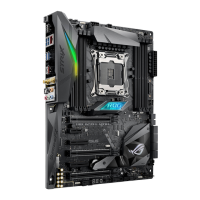
ASUS Pro B460M-C
1-9
1.4 System memory
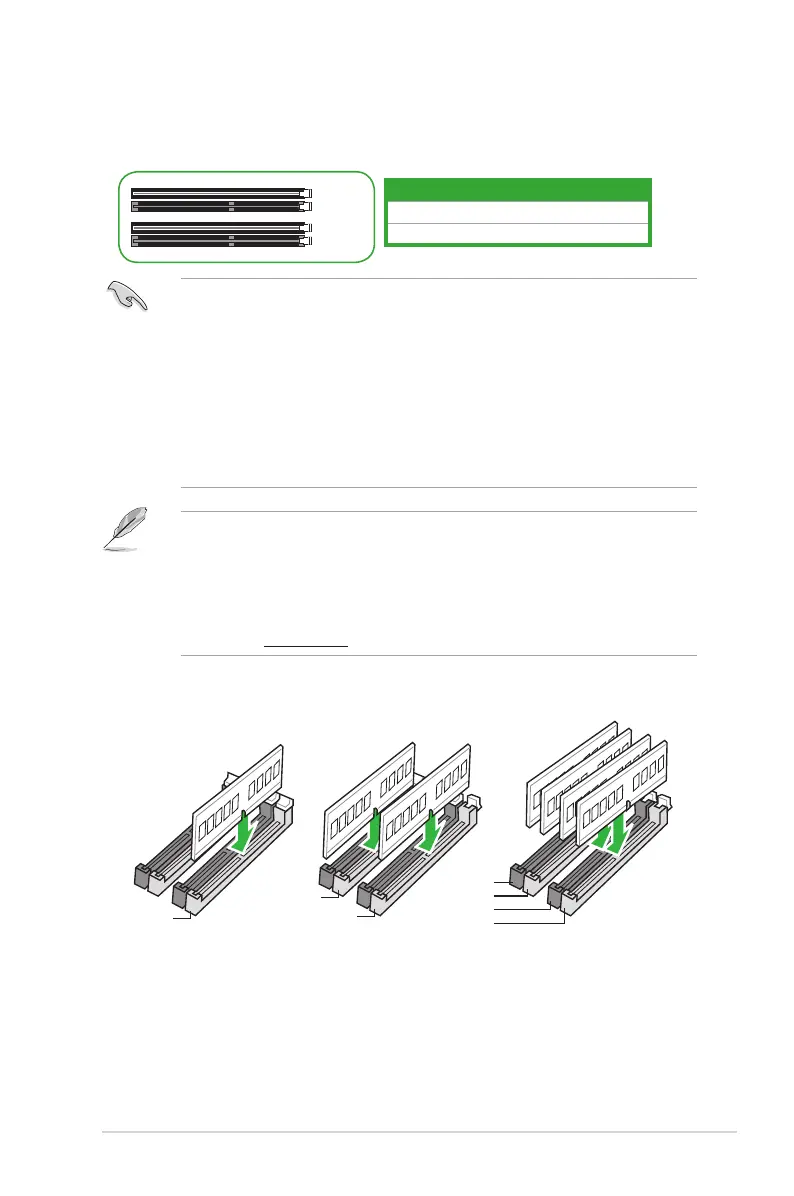
This motherboard comes with four Double Data Rate 4 (DDR4) Dual Inline Memory Module
(DIMM)sockets.ThegureillustratesthelocationoftheDDR4DIMMsockets:
Channel Sockets
ChannelA DIMM_A1&DIMM_A2*
ChannelB DIMM_B1&DIMM_B2*
DIMM_B1
DIMM_B2*
DIMM_A1
DIMM_A2*
• YoumayinstallvaryingmemorysizesinChannelAandChannelB.Thesystem
mapsthetotalsizeofthelower-sizedchannelforthedual-channelconguration.Any
excessmemoryfromthehigher-sizedchannelisthenmappedforsingle-channel
operation.
• AlwaysinstallDIMMswiththesameCASlatency.Foroptimalcompatibility,we
recommendthatyouinstallmemorymodulesofthesameversionordatecode(D/C)
fromthesamevendor.Checkwiththeretailertogetthecorrectmemorymodules.
• For10
th
Gen Intel
®
processors,onlyCore™i9/i7CPUssupport2933/2800/2666/2400/
2133natively,otherswillrunatthemaximumtransferrateofDDR42666MHz.
• ADDR4memorymoduleisnotcheddifferentlyfromaDDR,DDR2,orDDR3module.
DONOTinstallaDDR,DDR2,orDDR3memorymoduletotheDDR4slot.
• ThedefaultmemoryoperationfrequencyisdependentonitsSerialPresenceDetect
(SPD),whichisthestandardwayofaccessinginformationfromamemorymodule.
Underthedefaultstate,somememorymodulesforoverclockingmayoperateata
lowerfrequencythanthevendor-markedvalue.
• Forsystemstability,useamoreefcientmemorycoolingsystemtosupportafull
memory load (4 DIMMs).
• Refertowww.asus.comforthelatestMemoryQVL(QualiedVendorsList).
Recommended memory configurations
DIMM_A2*
DIMM_B1
DIMM_B2*
DIMM_A2*
DIMM_B2*
DIMM_A1
DIMM_A2*



 To Next Page