3 OPERATION
3.1 Control
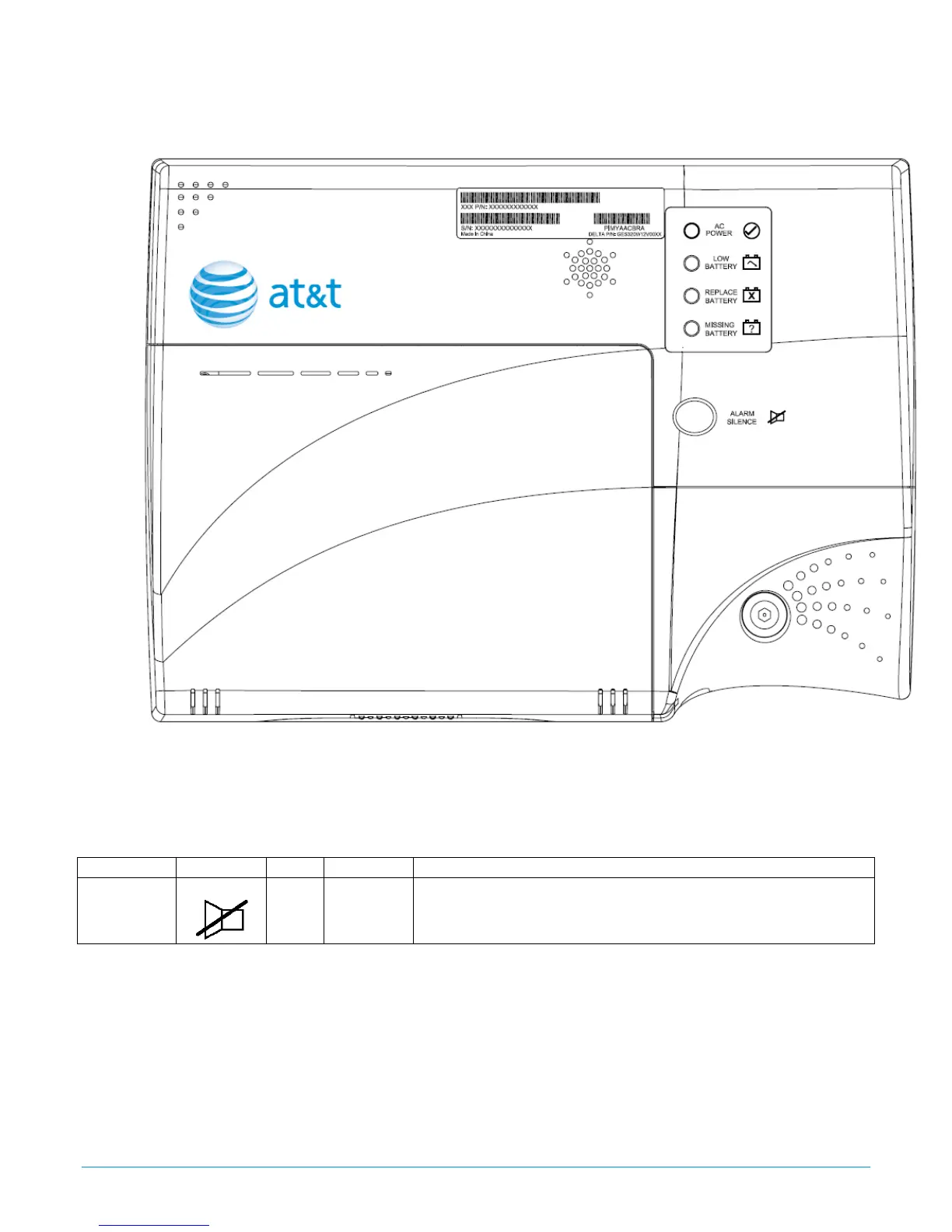
Figure 3: DC UPS Front Panel LEDs and Control
One user control is present in the form of one blue button on the front cover of the DC UPS.
This alarm-silence button will quiet the audible alarm for 24 hours. After 24 hours the alarm will
reactivate if the fault condition has not been corrected.
Function Symbol Type Location Function
Alarm
Silence
Push
Front
Cover
Press & hold 1~2 seconds to mute alarm for 24hrs.
Table 1: Customer Button Operation
DC UPS Operation Manual, Rev 1.0 Page: 6 of 8



 To Next Page