13
Telephone operation
Options while on calls
Last number redial
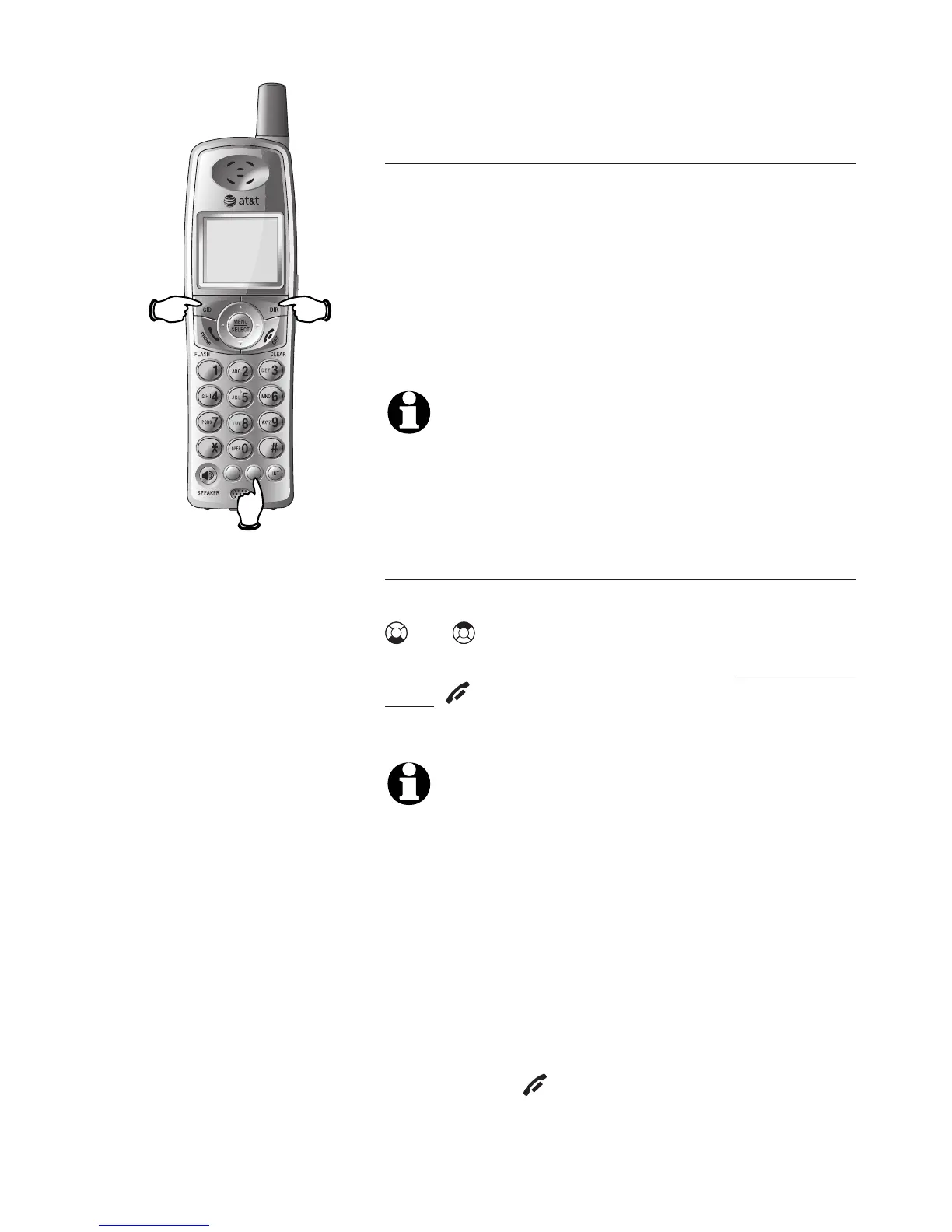
While on a call, you can press
REDIAL/PAUSE to review the most recently
called number. To return to your call, press
REDIAL/PAUSE. To call the most recently
called number displayed, wait for two
seconds. The number will be dialed out
automatically.
NOTE: While on a call, only the most recently
called number can be reviewed, and erasing
the entry is not allowed. For more details
about the redial memory, see page 9.
Directory
While on a call, you can press DIR then
or to review the directory. To clear
the entry from the display, press and
hold OFF/CLEAR. To dial the displayed
number, press MENU/SELECT.
NOTES:
1. While reviewing the directory on a call, search-
ing by name to find a specific entry, editing
or deleting an entry is not allowed. For more
details about the directory, see page 27.
2. While reviewing the call log on a call, storing
the caller ID log number in the directory, chang-
ing dialing options or deleting is not allowed.
For more details about the call log, see page 35.
3. While accessing redial memory, directory or
caller ID log during a call, the call will be ended
by pressing OFF/CLEAR.



 To Next Page