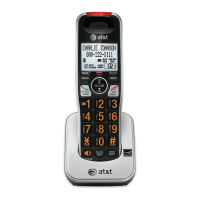
Screen icons, indicator lights & tones
Screen icons & alert tones
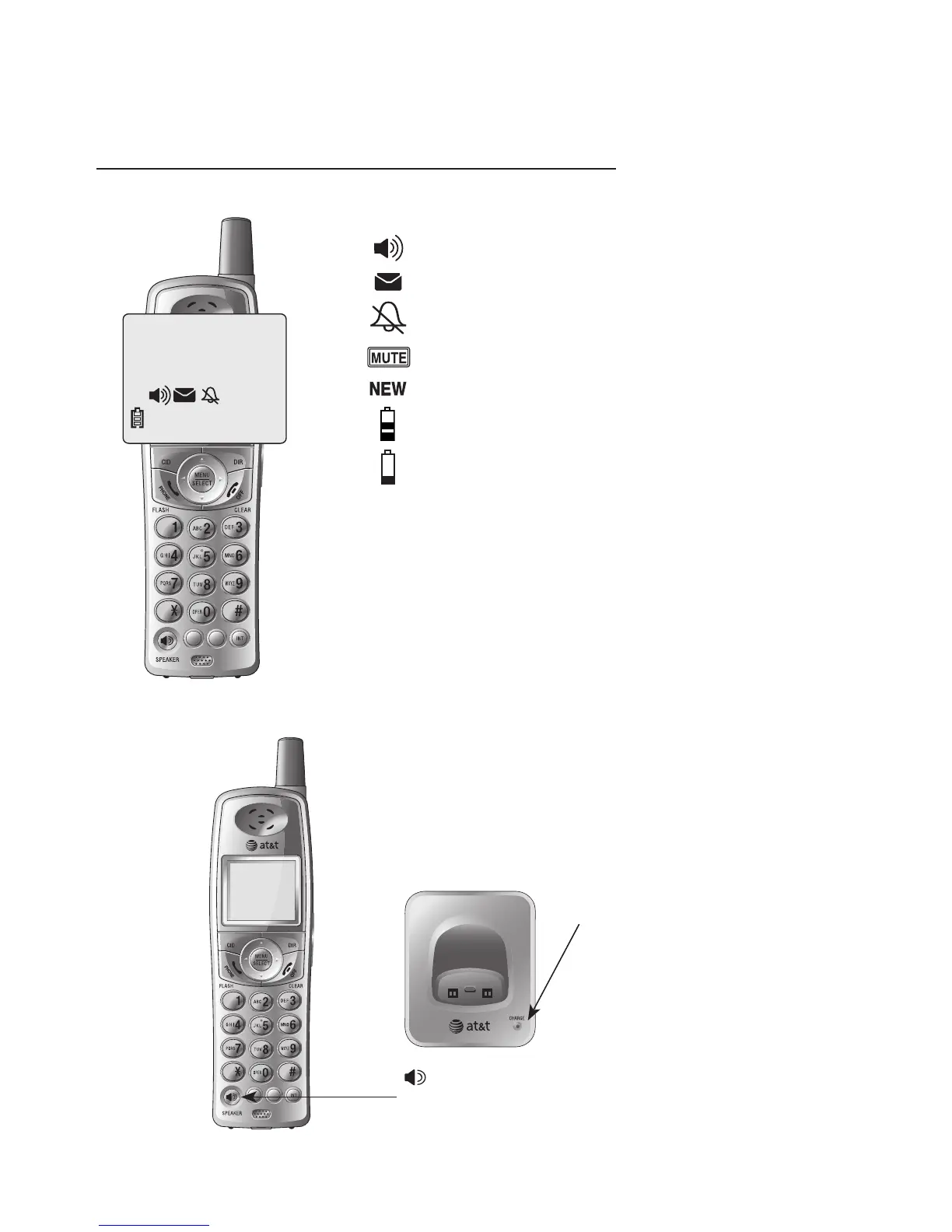
Ringer off.
Battery charging (animated display).
Low battery (flashing); place handset in tel-
ephone base or charger to recharge.
Microphone is muted.
Missed and un-reviewed calls.
Two short beeps
When you attempt to change the
volume when it is already at its high-
est or lowest setting.
Screen icons
Handset alert tones
Low battery warning.
Two beeps
Out of range during off-hook.
Confirmation
tone
Command completed successfully.
A series of
beeps
When you attempt to change the
volume when it is already at its high-
est or lowest setting.
Telephone base tones
New voice mail messages are received.
Speakerphone is in use.
HANDSET 1
10:21
AM
11/23
25 MISSED CALLS
MUTE
NEW
Four short beeps



 To Next Page