38
Caller ID operation
To review the call log
To review the call log
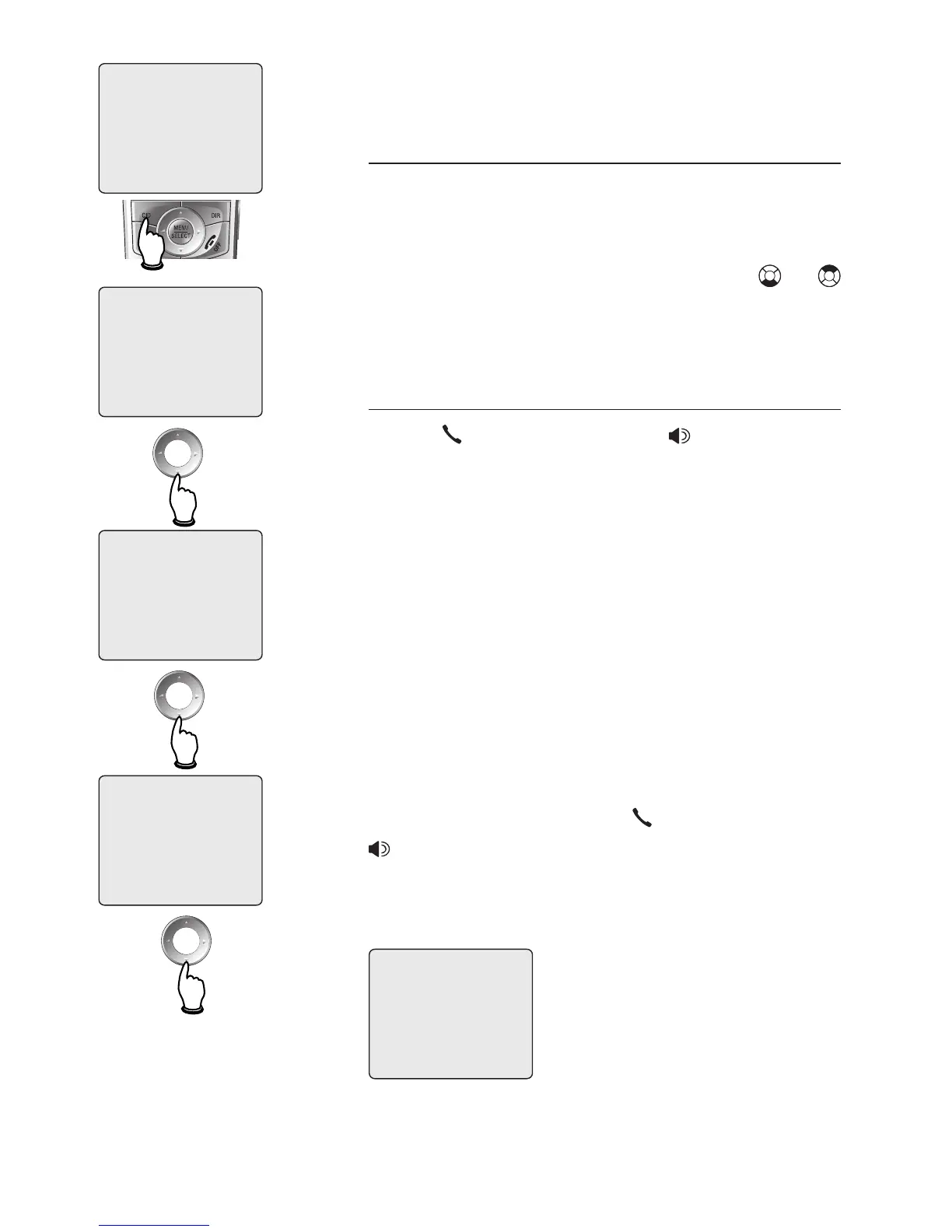
Press CID to review the call log. The
call log displays the caller ID entries in
reverse chronological order. The most
recent call is displayed first. Press or
to scroll through the list as shown at left.
To return a call
Press PHONE/FLASH or SPEAKER to
call the number as displayed.
Caller ID numbers may appear with an
area code that may not be required for
local calls, or without a 1 that may be
needed for long distance calls. If the
number displayed is not in the correct
format, you can change how it is dialed.
To change the number before calling,
press # repeatedly to see different dial-
ing options (you can choose to dial with
or without an area code, and with or with-
out the 1), then press PHONE/FLASH or
SPEAKER to place the call.



 To Next Page