21
Telephone operation
Handset settings
Ringer tone
This feature allows you to choose one of
10 ringer tones.
To choose a ringer tone:
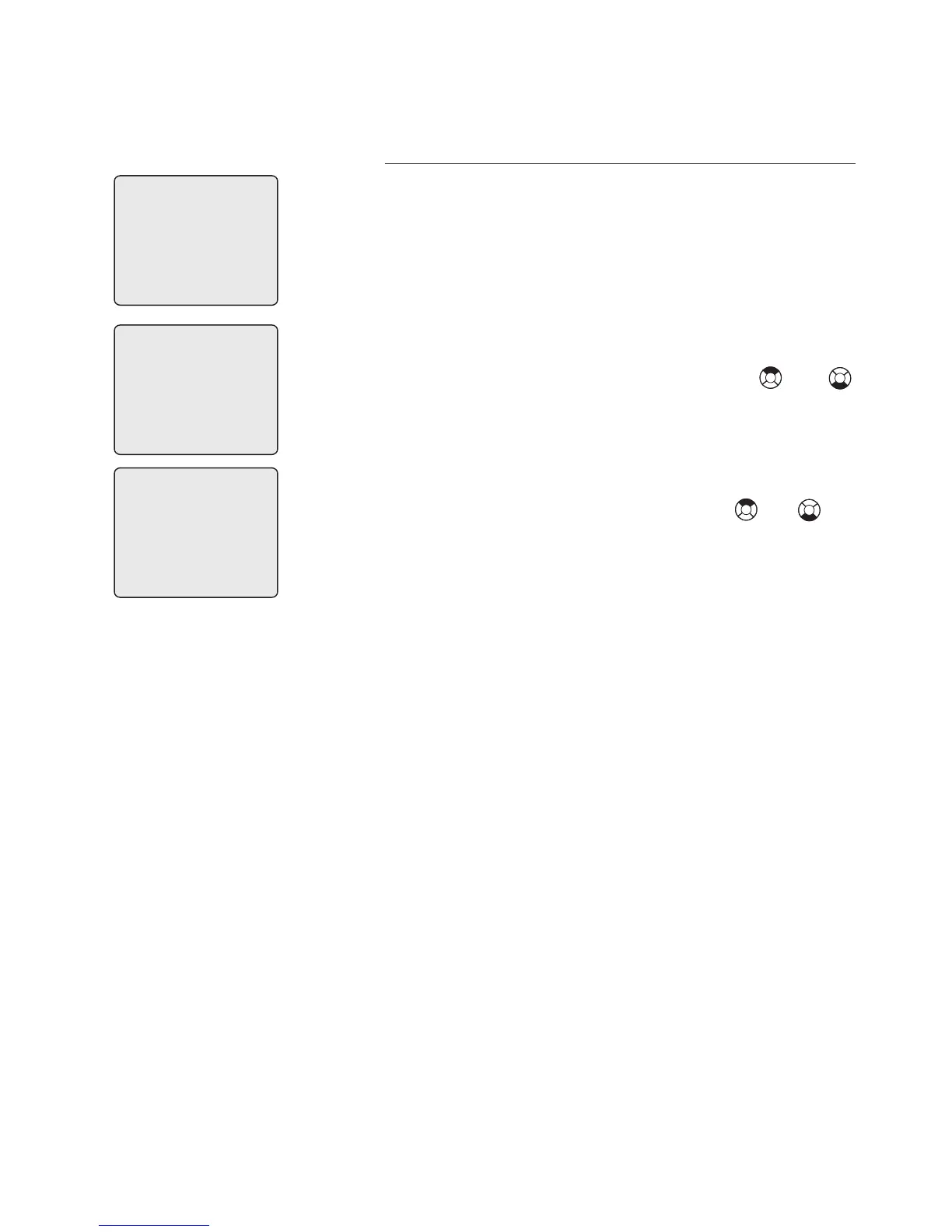
1. Press MENU/SELECT in idle mode to
enter the feature menu.
2. Use the up or down NavKey or
to scroll to the RINGER TONE menu,
press MENU/SELECT to enter the menu
when it is highlighted with a > symbol.
3. Use the up or down NavKey or to
sample each ringer tone.
4. Press MENU/SELECT to save your
preference.
1
KEY TONE
>
DIRECTORY
CALL LOG
>
RINGER TONE
RINGER TONE



 To Next Page