29
Telephone operation
New directory entries
NOTE: Each line can hold 16 digits, so if you
enter a number longer than 16 digits, the
numbers will be displayed in the following
line.
7. Enter the name when prompted.
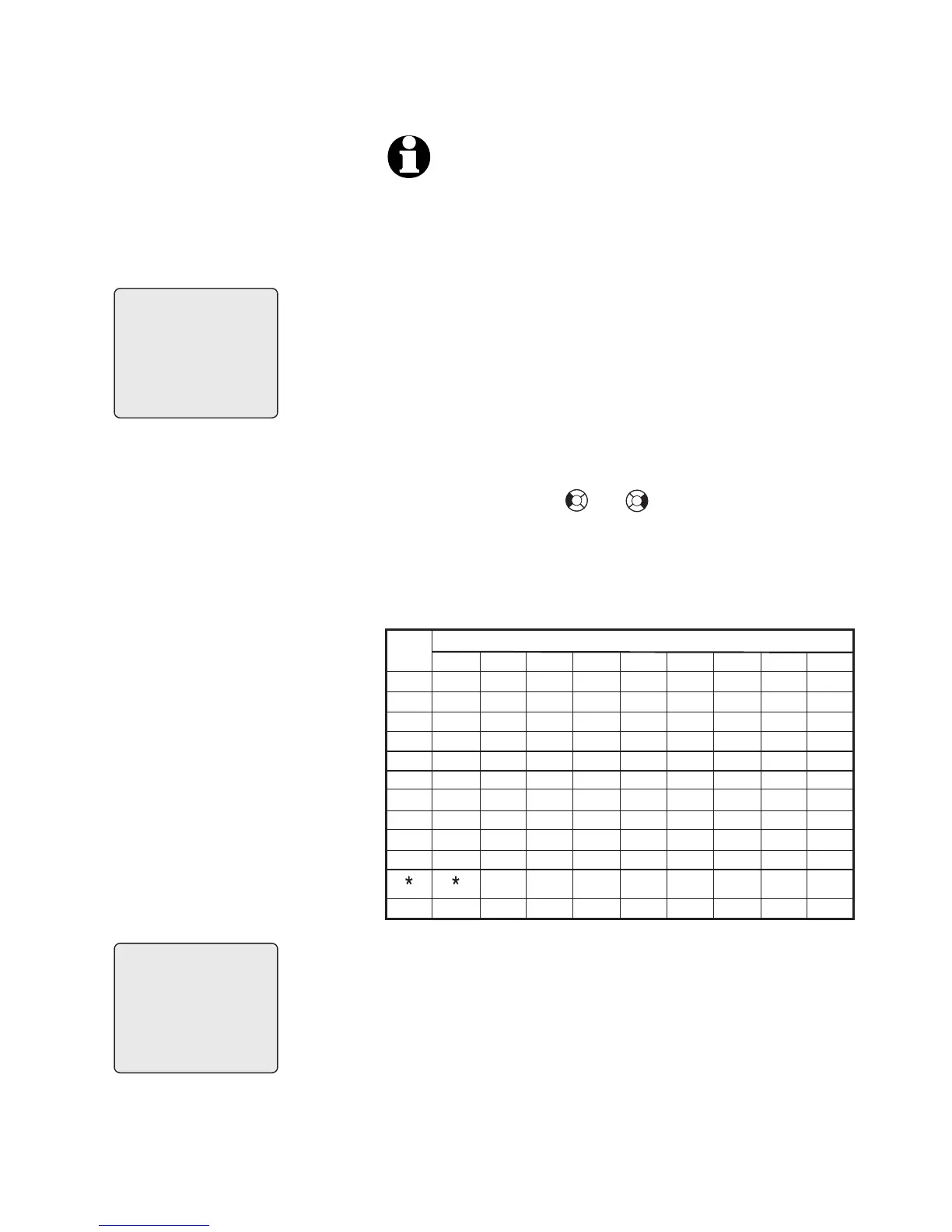
• Use the dial pad to enter a name (up
to 16 characters). Each time a key
is pressed, the character on that
key will be displayed. Additional key
presses will produce other characters
on that key. See the chart below.
– Press or to move the
cursor to the left or right.
– Press MUTE/DELETE to erase
letters.
8. Press MENU/SELECT to store your new
directory entry. The name and the tel-
ephone number will then be shown on
the screen. To change it later, see page
33.
Pat
Pat
555-1234
ENTER NAME
Williams_
Williams



 To Next Page