5
Getting started
Adding and registering handsets
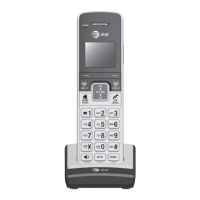
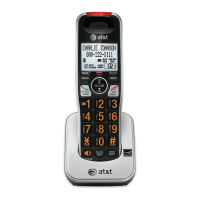
• Place the unregistered handset into
the telephone base. After a few
seconds
PRESS HNDST LOC 4 SEC ON
BASE
will be shown on the screen.
• Press and hold HANDSET LOCATOR
on the main telephone base until the
IN USE light comes on (about four
seconds), then release the button.
• The handset will show PLEASE WAIT...
for a while.
• The handset will show HS X REGISTERED
and will beep if the registration was
successful.
NOTES:
1. If you are on a call, using the call log or
directory, or another telephone phones on at the
same line, you cannot register a handset.
2. If the registration is not successful, the display
will show NOT REGISTERED. Reset the handset
by lifting the handset out of the telephone
base and then place the handset back in the
telephone base. Now try the registration process
again.
PLEASE WAIT...
HS X REGISTERED
12:00PM



 To Next Page