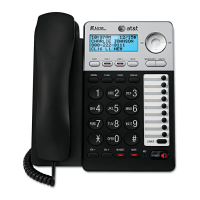
8
Getting started
Deskset installation
It takes up to 60 seconds to complete the registration. The screen displays
Connected to Console (Console represents the name of the console)
when the registration is successful.
The deskset displays Starting... It takes a while for the system to finish the
startup and the deskset enters idle screen when the startup is done.
Lift the handset. If you hear a dial tone, the installation was successful.
6.
7.
8.


 To Next Page
 Loading...