12
Telephone operation
Options while on calls
Call waiting
If you subscribe to call waiting service with your telephone service provider,
you hear a beep if someone calls while you are in the middle of a call.
Press FLASH to put your current call on hold and
take the new call.
Press FLASH at any time to switch back and forth
between calls.
Volume control
Use this feature to independently set the listening
volume to one of six levels for each of the listening
options (corded handset, corded headset and
speakerphone). All settings are independent. While on a
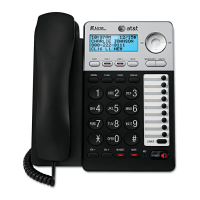
call, press VOLUME to adjust the listening volume.
•
•
Volume


 To Next Page
 Loading...