To Next Page

M
Martin BarberAug 6, 2025
How to reset the AT&T Telephone System device?
- AAlyssa WyattAug 6, 2025
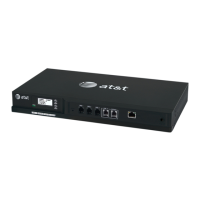
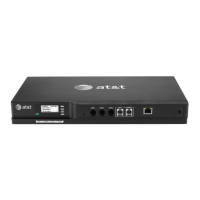
To reset an AT&T Telephone System device, use a pen or paper clip to press the RESET button. For a simple restart without losing your settings, press the button for less than five seconds. To completely reset to factory defaults, unplug the LAN cable and press the RESET button for more than five seconds. To reset the entire system, unplug LAN cables from all devices and press the RESET button for more than five seconds on each device.
 General