ON
CASSETTE
This copying procedure
will
work
for
both
BASIC
and machine-language cassette
programs.
Inserting
the
Cassette
STEP 1
Turn on
your
TV
or
monitor
.
Set
the TV/game
switch box
to
the COMPUTER setting, and
tune
to
the channel
you
normally
use
with
your
Atari.
If
you
have a
Model
1010
cassette recorder,
turn
the recorder on also. (The Model 410 recorder
does
not
have an
ON/OFF
switch.)
STEP 2
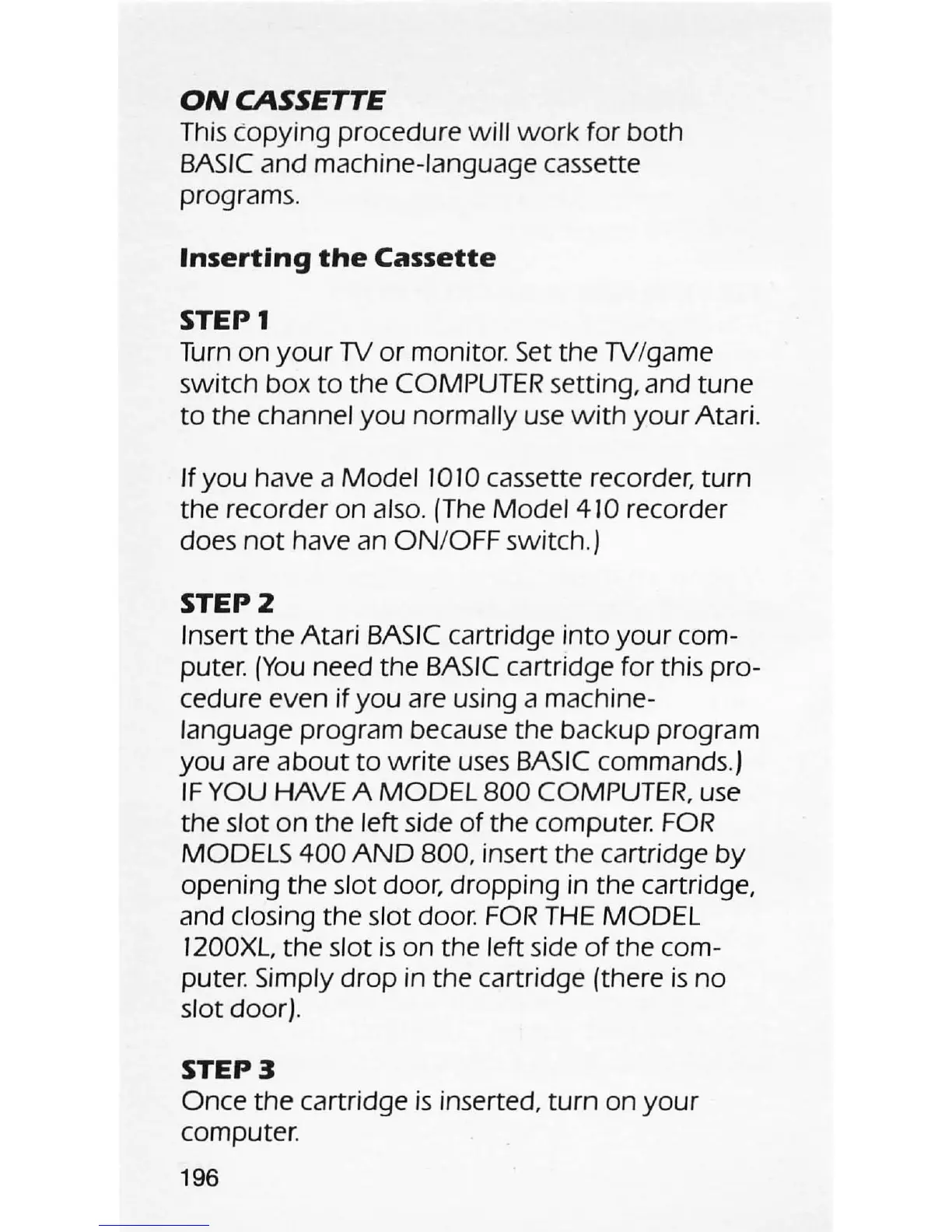
Insert
the
Atari
BASIC
cartridge
into
your
com-
puter.
(You
need the
BASIC
cartridge for this pro-
cedure even if
you
are using a machine-
language program because the backup program
you
are
about
to
write
uses
BASIC
commands.)
IF
YOU HAVE A
MODEL
800
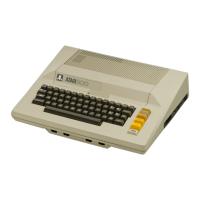
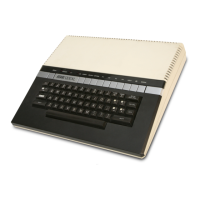
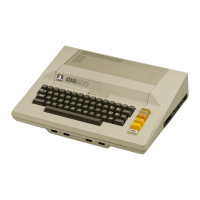
COMPUTER, use
the slot
on
the left side
of
the computer.
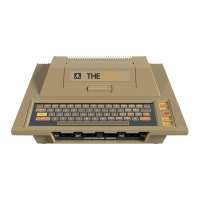
FOR
MODELS
400
AND
800
, insert the cartridge
by
opening
the
slot door, dropping in the cartridge,
and closing the slot
door
.
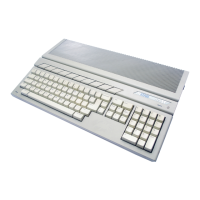
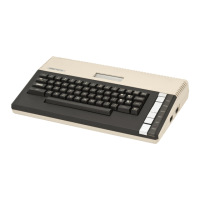
FOR
THE
MODEL
1200XL, the slot
is
on the left side
of
the com-
puter. Simply
drop
in the cartridge (there
is
no
slot door).
STEP 3
Once
the
cartridge
is
inserted,
turn
on
your
computer.
196




 To Next Page