XBIOS Graphics and Sound Functions
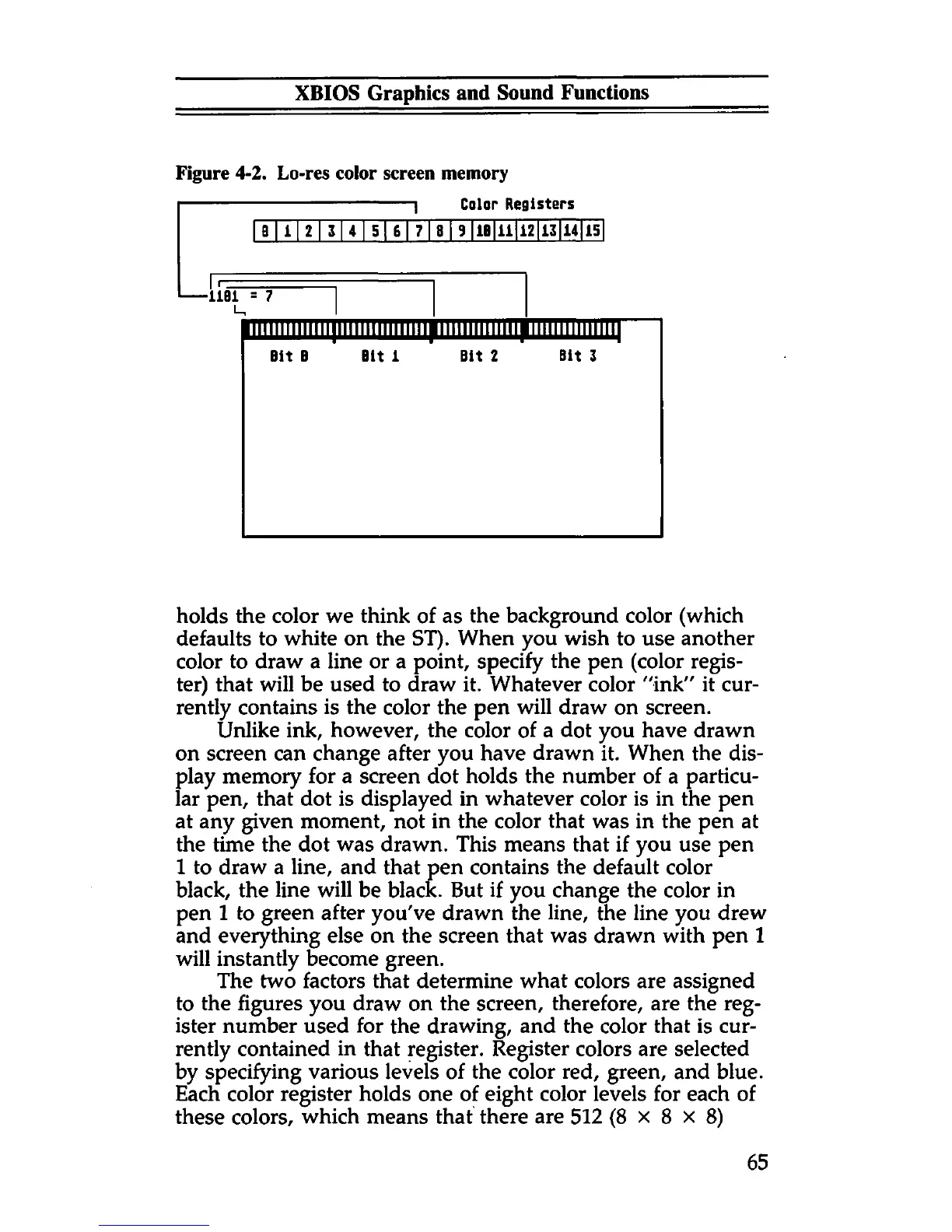
Figure 4-2. Lo-res color screen memory
1 Color Registers
B
1 2 3 4 5 6 7 8 9
IB 11 12
13 14 15
I n==EE
---
1101 = 7
llllllllllllllllllllllllllllllll lllllllllllllll lllllllllllllllliH
Bit B Bit 1
■
Bit 2
1
Bit 3
holds the color we think of as the background color (which
defaults to white on the ST). When you wish to use another
color to draw a line or a point, specify the pen (color regis
ter) that will be used to draw it. Whatever color "ink" it cur
rently contains is the color the pen will draw on screen.
Unlike ink, however, the color of a dot you have drawn
on screen can change after you have drawn it. When the dis
play memory for a screen dot holds the number of a particu
lar pen, that dot is displayed in whatever color is in the pen
at any given moment, not in the color that was in the pen at
the time the dot was drawn. This means that if you use pen
1 to draw a line, and that pen contains the default color
black, the line will be black. But if you change the color in
pen 1 to green after you've drawn the line, the line you drew
and everything else on the screen that was drawn with pen 1
will instantly become green.
The two factors that determine what colors are assigned
to the figures you draw on the screen, therefore, are the reg
ister number used for the drawing, and the color that is cur
rently contained in that register. Register colors are selected
by specifying various levels of the color red, green, and blue.
Each color register holds one of eight color levels for each of
these colors, which means that there are 512 (8x8x8)
65



 To Next Page