A2X(W) Quick Start Guide
10
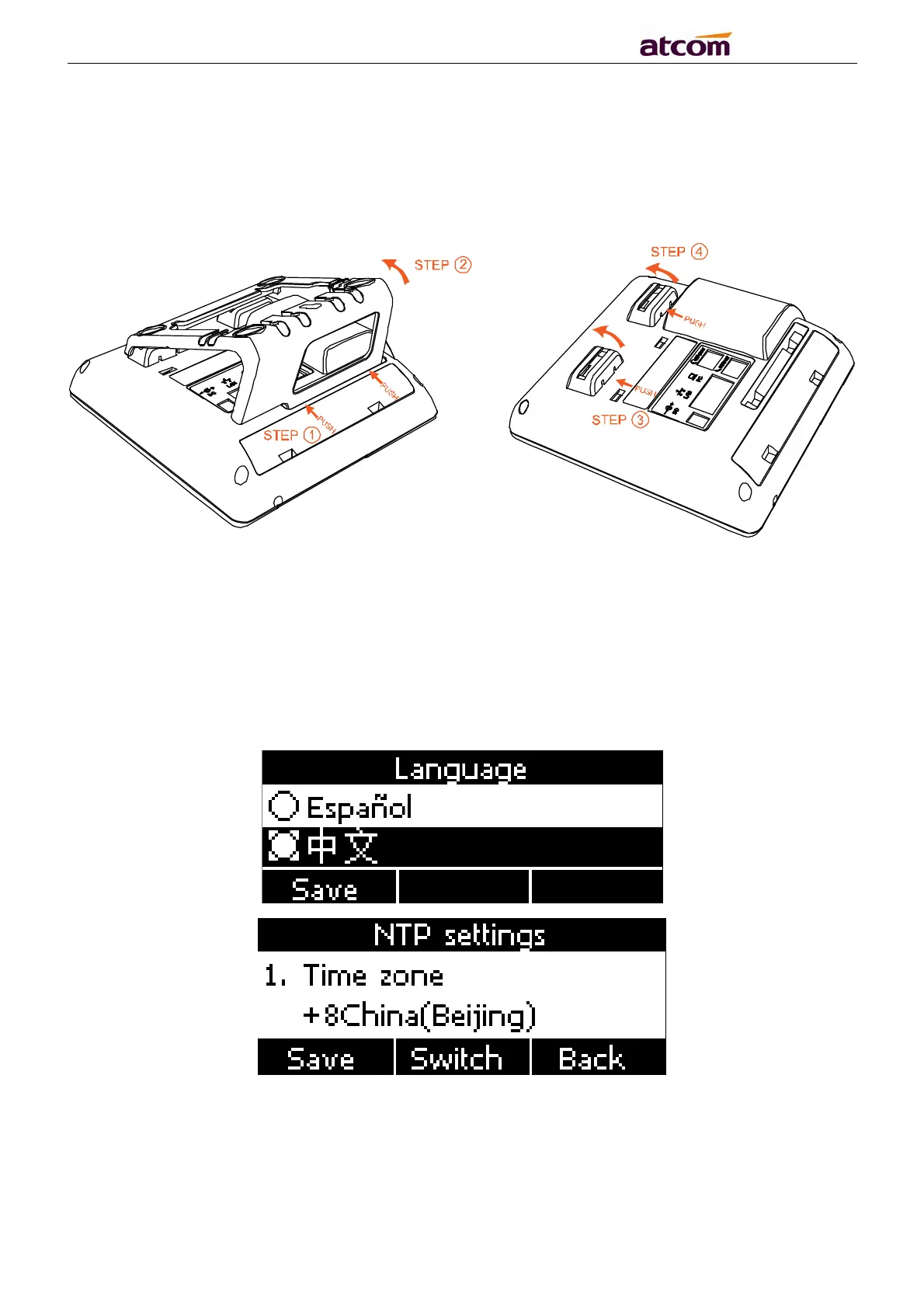
Push the spring joint of stand and pull the stand according to the direction of the
arrow. According to the direction of the arrow:
3. Power up
3.1. Connect to DC 5V/2000mA power adapter
3.2. The status indicator will be on during power-on, and the Welcome dialog will appear on
the LCD.
3.3. After boot up finished, User can select the Language and time zone manually, and LTE
setting.



 To Next Page