A2X(W)/A20LTE IP Phone User Manual
ATCOM TECHNOLOGY CO., LIMITEwww.atcom.cn43
To display the account ID, press the soft key “Switch” or 、
to modify, the optional value is Account 1 to 4.
Display the account name of each account ID, non-modifiable.
The SIP server of each Account ID, non-modifiable. If not set any
value for some account ID, the account name will be null.
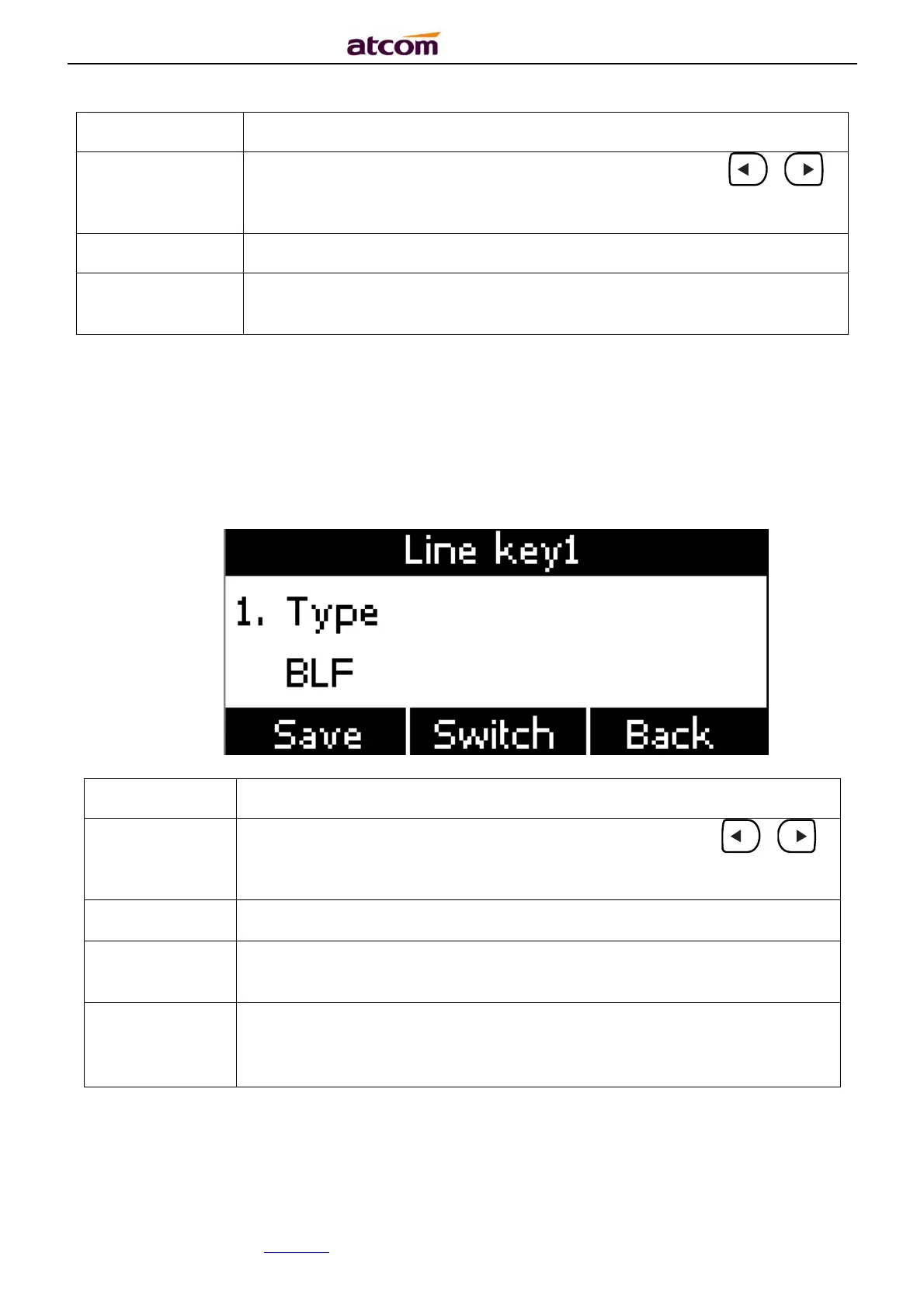
BLF
Indicate the status of monitored account. Once set the BLF key with Pickup feature, user is
able to answer the incoming call to the monitored account by pressing the corresponding BLF
key. If the monitored account is idle, press the corresponding BLF key for speed dial.
To display the account ID, press the soft key “Switch” or 、
to modify, the optional value is Account 1 to 2.
To identify this key on LED
,
“
”
The phone number will be monitored by this key. For example, if user
want to monitor the phone number (5003), please set “6070” here.
This code must be configured for pickup, and this code provide by
Server. If the code is not matched by Server, the feature of pickup will
not work.



 To Next Page