A2X(W)/A20LTE IP Phone User Manual
ATCOM TECHNOLOGY CO., LIMITEwww.atcom.cn53
Edit the contact item via Web: Contacts→ Contacts→click on the item to edit→modify
messages→Click “Edit”→Click “Save”.
Delete the contact
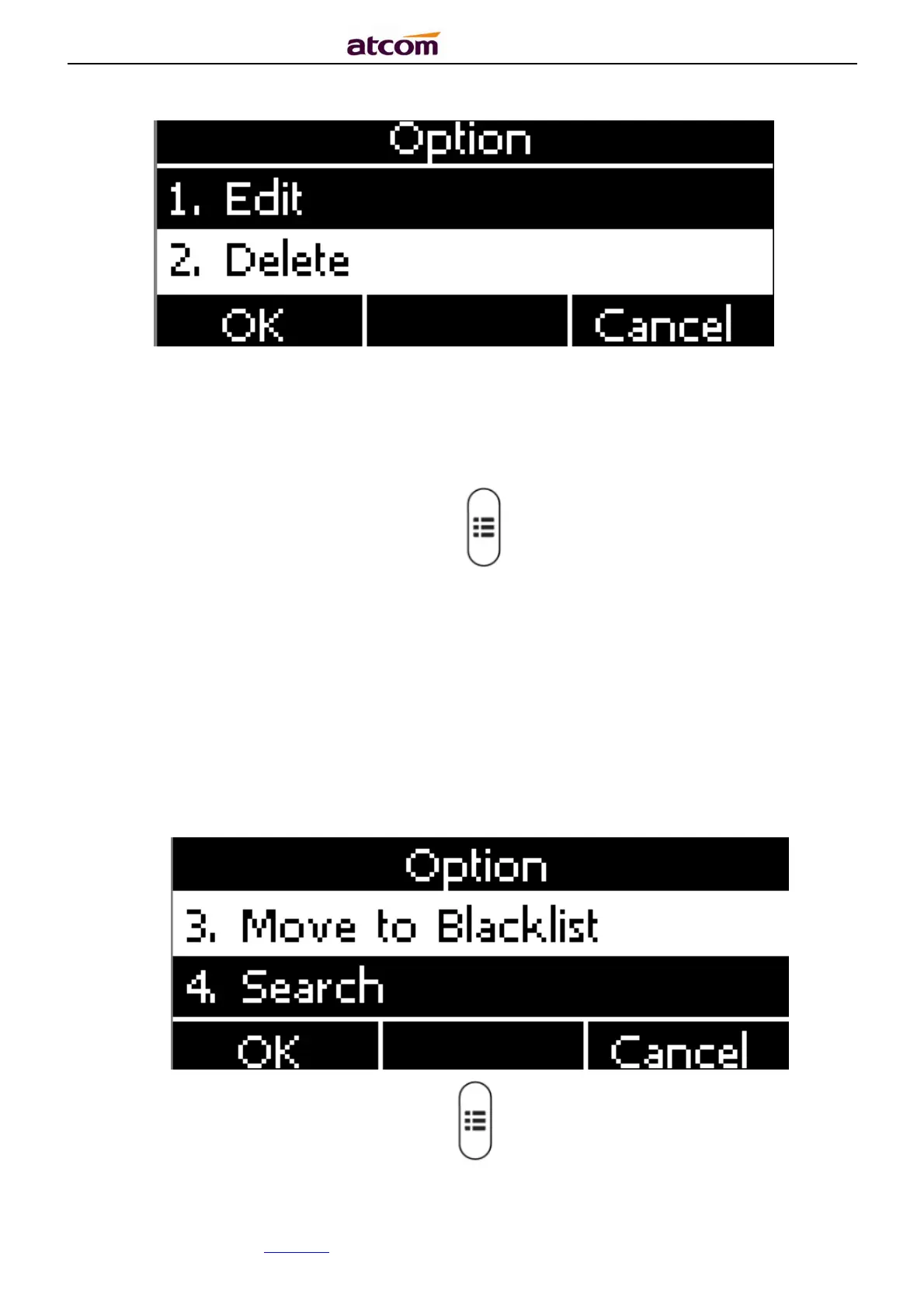
Path to delete the contact on the phone:Press →Contacts→Local Contacts→All
contacts→Select the item to delete→Option→Delete→ OK→OK.
Press the soft key “Cancel” at the Warning UI to stop deleting.
Delete the contact item via web: Contacts→ Contacts→Select the item to delete→Click on
“Delete”→Click on “Save”.
Move to blacklist
Path to move to blacklist on the phone:Press →Contacts→Local Contacts→All
contacts→Select the item to move→Option →Move to Blacklist → OK→OK.



 To Next Page