A2X(W)/A20LTE IP Phone User Manual
ATCOM TECHNOLOGY CO., LIMITEwww.atcom.cn63
Press the key . or soft
key “Switch” to modify it.
Select the correct Time
Zone for the IP phone.
Key in the IP address of domain
name by the number keys,”*”,”#”
Secondary NTP
Server
Key in the IP address of domain
name by the number keys,”*”,”#”
Specify the standby NTP
Server
Daylight-Saving
Time
Press the key . or soft
key “Switch” to modify it.
Optional: “Off”, “Auto” or
“Manual”. And “Manual”
mean user must set this
via web.
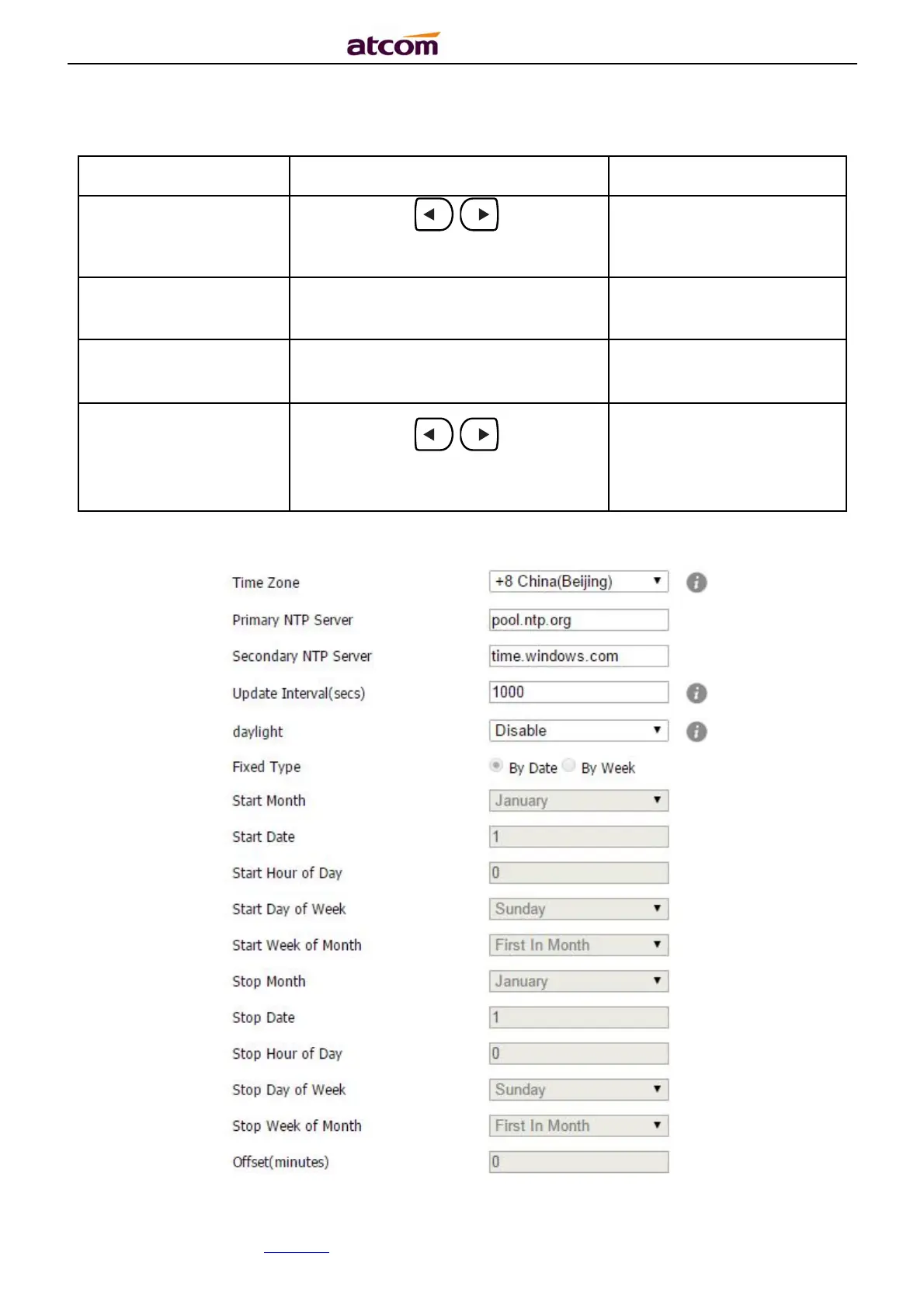
Set NTP via Web:Phone→Preference.



 To Next Page