Updating the Software
How to update the ATEM Software
From time to time Blackmagic Design will release new software for your ATEM switcher and
hardware panel, withnew features, bug fixes, and increased compatibility with third party
software and video devices.
To update your ATEM switcher with new software, you need to use ATEM Setup to connect
to the ATEM switcher and hardware panels. ATEM Setup will check your switcher’s internal
software and will ask if you wish to update if you have a newer version installed on
your computer.
Always update all your equipment at the same time so it’s all running the same version
of software.
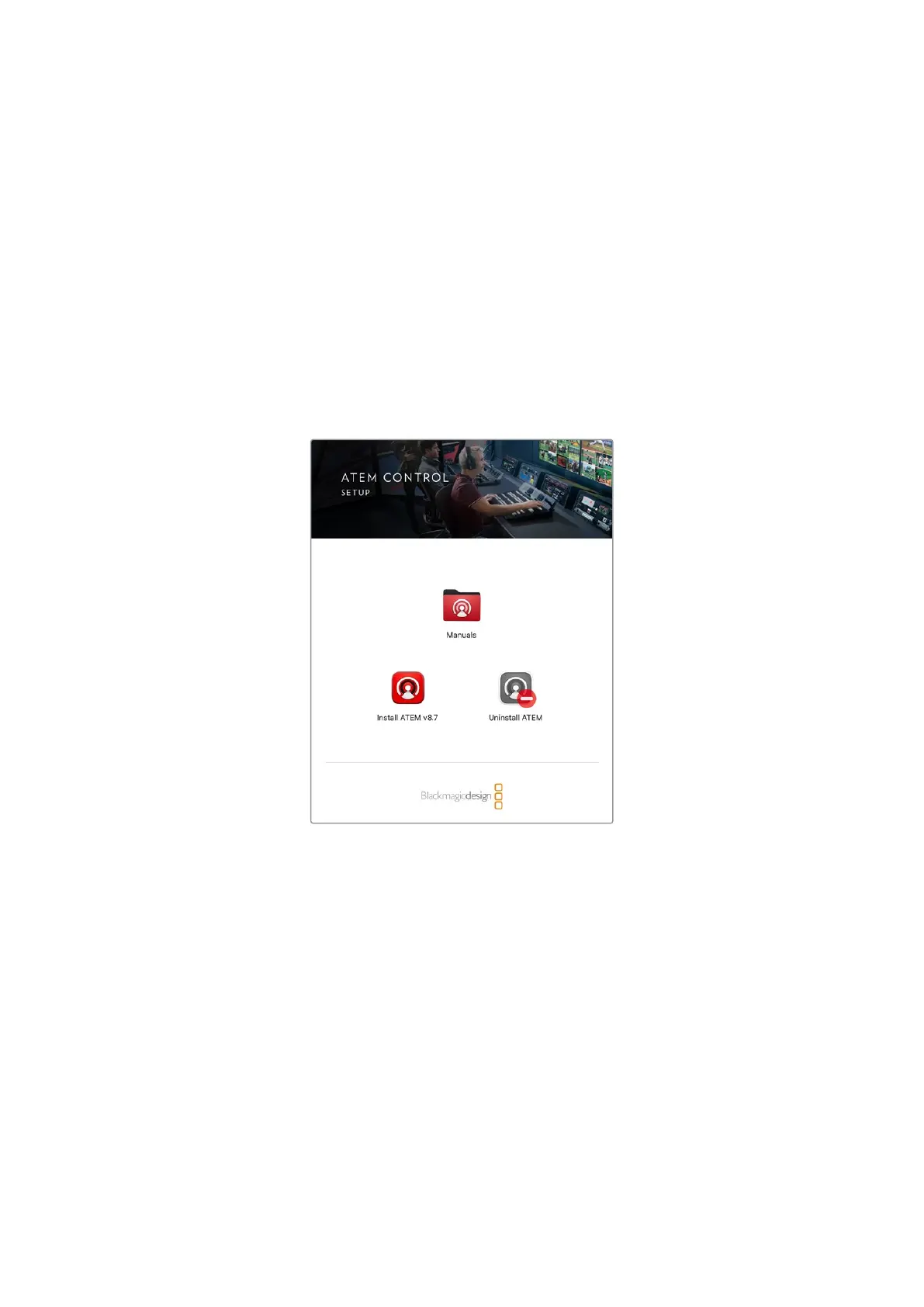
ATEM Software Installer
To perform an update, you can directly connect your ATEM switcher or advanced panel
tothecomputer via USB.
Alternatively, if you already have yourswitcher connected to your computer via Ethernet, you
can simply update via the Ethernetconnection.
First, download the latest Blackmagic ATEM Switcher software and install it on your Mac or
PC using the instructions listed previously in the Installing Software section of this manual.
Onceinstalled, the new software for your ATEM switcher and advanced panel will be included
in the ATEM setup utility.
Updating the Switcher Software
1 Connect the switcher via the USB port.
If you already have your switcher connected to your computer via Ethernet, you can update
via the Ethernet connection.
160Updating the Software



 To Next Page