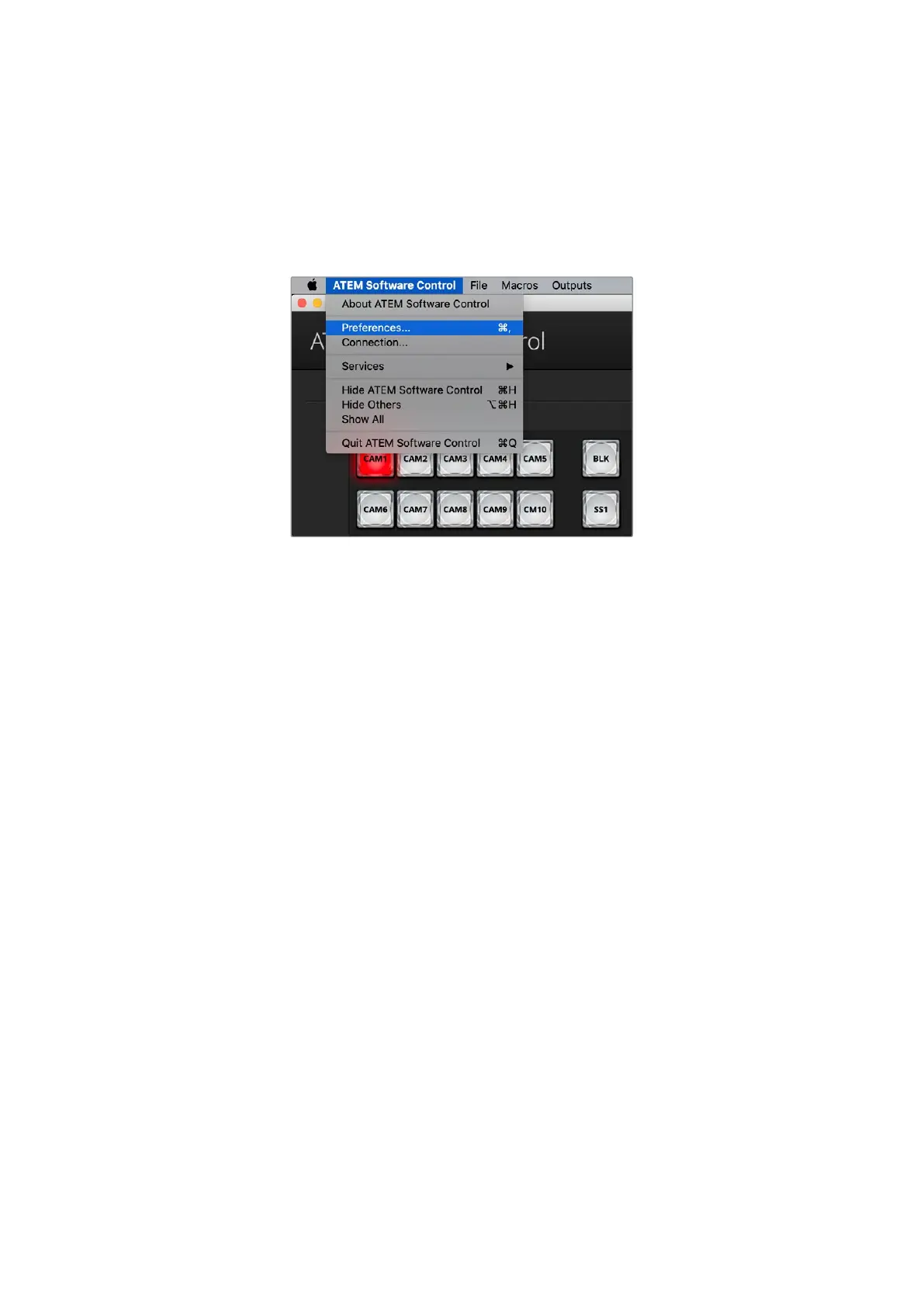
Preferences
The preferences settings are arranged as ‘general’ preferences and ‘mapping’ preferences.
General preferences contain settings for transition control, language selection and enabling
or disabling midi control. Mapping preferences let you assign inputs to specific buttons on
the preview and program rows. Go to the menu bar at the top of your screen, select ‘ATEM
Software Control’ and open the ‘preferences’.
Open preferences from the ATEM Software Control menu
General Preferences
When you first receive your ATEM switcher, it will be set to program/preview switching which is
the current standard for an M/E switcher. You can change this preference to A/B Direct if you
wish to use older style A/B switching.
ATEM Software Control can be set to display in English, German, Spanish, French, Italian,
Japanese, Korean, Polish, Portuguese, Russian, Turkish, Ukrainian and simplified Chinese
languages.
When running ATEM Software Control for the first time after installation, a setup dialog box
will prompt you to set the language for the software, but you can change the language of the
software at any time.
From the language menu select your preferred language. A warning will appear asking you to
confirm the action. Click ‘change’.
ATEM Software Control will now close and restart in your selected language.
To operate your ATEM switcher using a MIDI controller, check the box to enable MIDI control.
20ATEM Software Control



 To Next Page