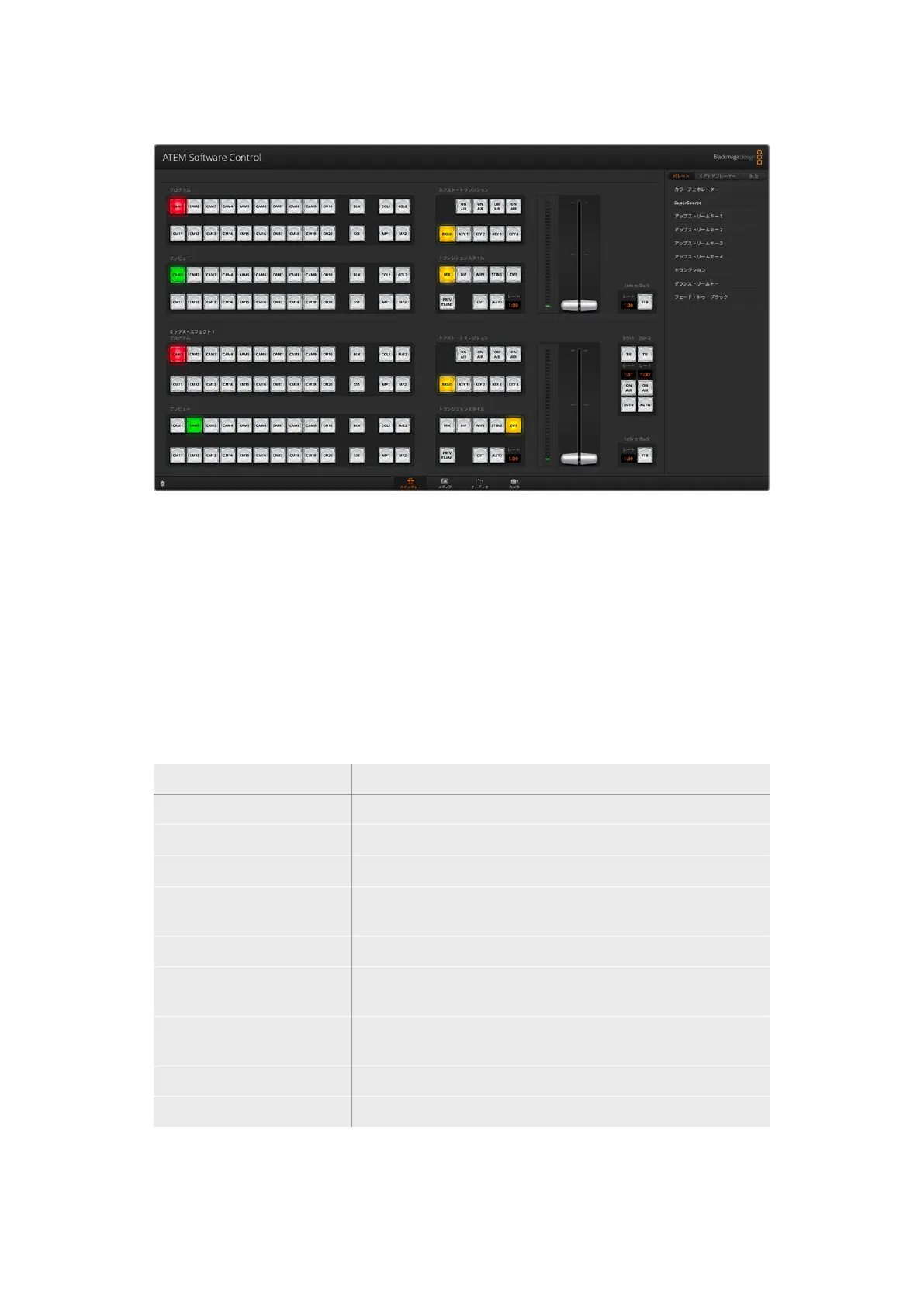
マウス /トラックパッドの 使 用
ATEM Software Controlのボタン、スライダー、フェーダーバーは、コンピューターのマウスで、あるいは
ラップ トップ の 場 合 はトラックパッド を 使 用 して 操 作しま す。
ボ タ ン を 使 用 す る に は 、マ ウ ス を 左 ク リ ッ ク し ま す 。 ス ラ イ ダ ー を 操 作 す る に は 、マ ウ ス を 左 ク リ ッ ク し た
ままドラッグします。フェーダーバーを操作するには、フェーダーバーのハンドルを左クリックしたまま
ド ラ ッ グ し 、動 か し た い 方 向 に 操 作 し ま す 。
キーボードのホットキーの使用
いくつかのスイッチャー機能は、ホットキーでコントロールできます。標準のQWERTY配列キーボード
で 、以 下 の ホ ッ ト キ ー 機 能 が 使 用 で き ま す 。
ホットキ ー 機能
<
1> 〜 <0> スイッチ ャー入 力 1〜10のソースをプレビュー。0 = 入力10。
<
Shift> <1> 〜 <0> スイッチ ャー入 力 11〜20のソースをプレビュー。Shift 0 = 入力20。
<
Control> <1> 〜 <0> スイッチ ャー入 力 1〜10のソースをプ ロ グ ラム 出 力 へ ホットスイッチ。
<
Control> を 押 し て 放 す 、そ の
後 <
1> 〜 <0>
スイッチ ャー入 力
1〜10の ソ ー ス を プ ロ グ ラム 出 力 へ ホ ットス イッ チ 。ホ
ットスイッ チ は オ ン のま ま 、
CUTボタンは 赤く光ります。
<
Control> <Shift> <1> 〜 <0> スイッチ ャー入 力 11〜20のソースをプ ロ グ ラム 出 力 へ ホットスイッチ。
<
Control>を押して放す、 そ
の後 <
Shift> <1> 〜 <0>
スイッチ ャー入 力
11〜20のソースをプ ロ グ ラム 出 力 へ ホットスイッチ。
ホットスイッチ は オン の ま ま 、
CUTボタンは 赤く光ります。
<
Control>
ホットスイッチがオンになっている場合オフになり、
CUTボタンは白く
光ります。
<
Space> CUT
<Return> または <Enter> AUTO
スイッチャーコントロールパネルの使い方の詳細は次セクションに記載されています。
222
ATEM Software Control



 To Next Page