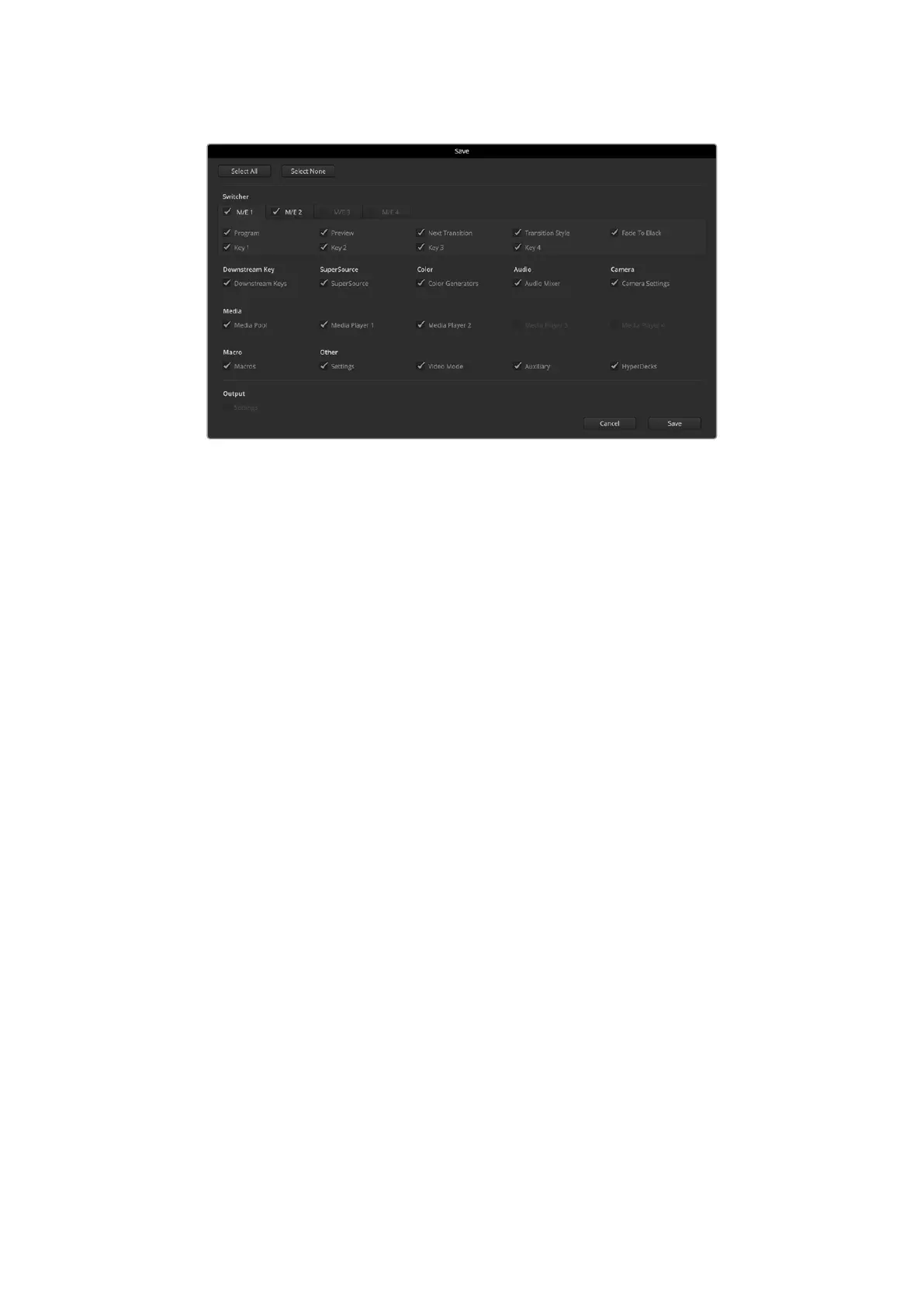
With ATEM Software Control you can save and restore all your switcher settings for your live
production, including key settings, transition styles, media pool contents and more
If your switcher settings are saved on a laptop, it’s easy to take all your settings with you on
location. Connect your laptop to any ATEM switcher and quickly restore your switcher settings.
Live production can be a busy and exciting time and you’re always working in the moment,
which means you can easily forget to back up your saved files when the production is over.
If you have settings you want to keep, save them to your computer and an external drive, such
as a USB drive. This means you can carry your settings with you and have a back up in case
your settings are accidentally deleted on your computer.
To restore settings:
1 Go to the menu bar in ATEM Software Control and select File>Restore.
2 A window will ask for the file you want to open. Select your save file and click Open.
3 You’ll now see a window containing active checkboxes for your saved settings on each
block of your ATEM switcher. Leave Select All enabled to restore all your saved settings,
orselect only the checkboxes for the settings you want to restore.
4 Click Restore.
Switching with ATEM Software Control
The switcher window is the main control interface for the switcher. During live production,
theswitcher window can be used to select sources and take them to air.
You can select the transition style, manage upstream/downstream keyers and turn on/off
the fade to black. The palettes on the right hand side of the interface are where you adjust
transition settings including transition rates, adjust color generators, control media players,
andadjust the upstream and downstream keyers as well as control fade to black rate.
29ATEM Software Control


 To Next Page
 Loading...
