A description for each filter type is provided below.
Bell High Shelf Low Shelf
This filter is used to increase
or decrease a range of
frequencies surrounding
adefined frequency.
Lets you increase or decrease
the level of volume for higher
frequencies along the graph.
Lets you increase or decrease
the level of volume for lower
frequencies along the graph.
Notch High Pass Low Pass
This filter lets you remove,
orcut, a defined frequency.
Smoothly removes extreme
low end frequencies, allowing
the high end frequencies to
pass unaffected.
Smoothly removes extreme
high end frequencies,
allowing the low end
frequencies to pass
unaffected.
TIP It’s not uncommon to have filters on each band overlapping on the graph curve
with adjustments working together. For example, you may have a low shelf filter applied
to band 4 and a notch filter on band 5 reducing a frequency within the samerange.
Dynamics Controls
In addition to the 6 band parametric equalizer, you can also enhance and finesse the input
andmaster output audio using dynamics controls. Where the equalizer lets you control the
frequencies within a signal, dynamics controls let you set how various levels behave. Levels
within the signal can be adjusted including expanding the dynamic range between low levels
and high levels, gating an input so you can choose what is stronger or softer within a signal,
oryou can even use the compressor and limiter so that audio can be generally lifted and made
stronger without clipping.
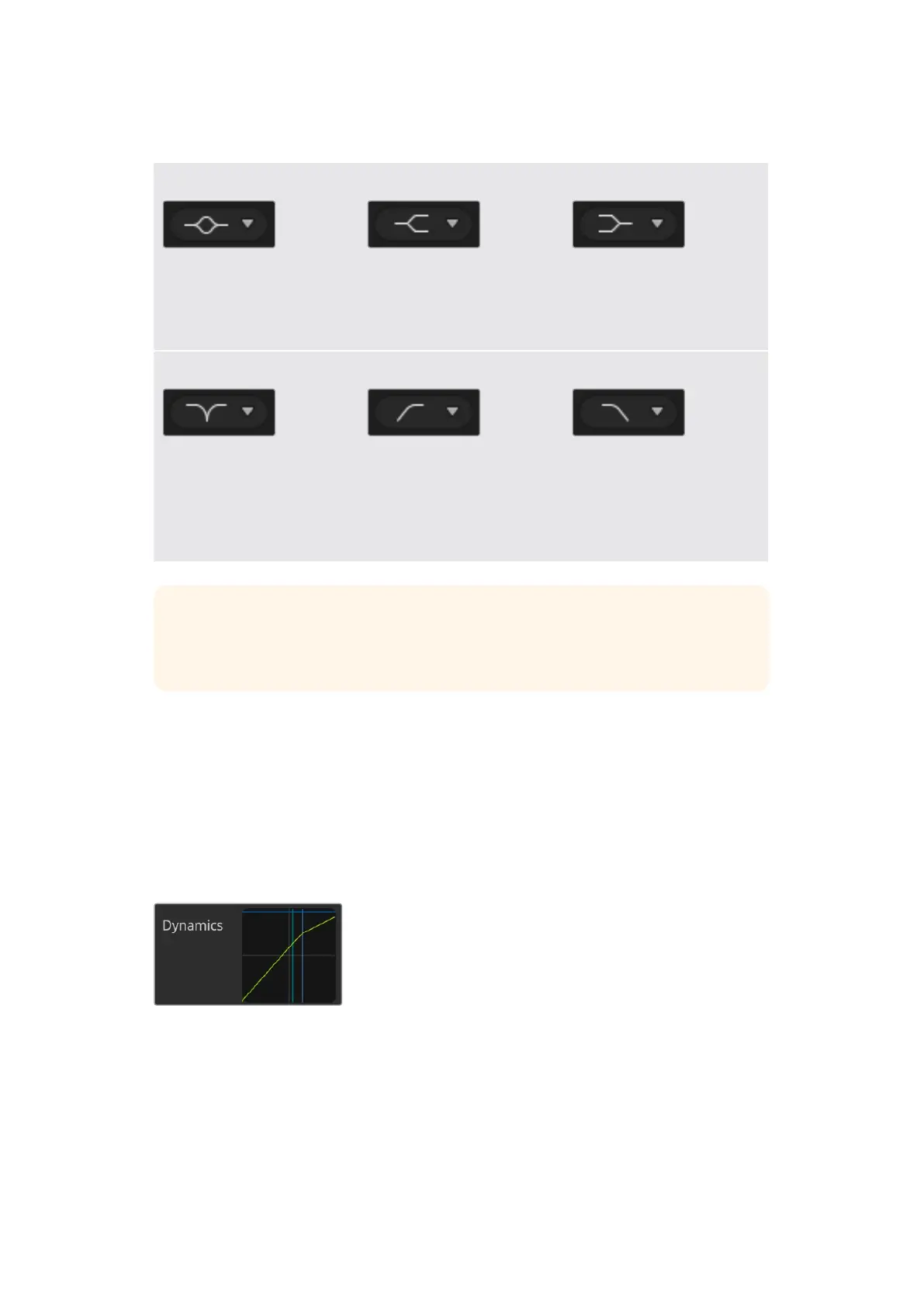
The dynamics controls can be
opened for each input and the
master output by clicking on its
corresponding dynamics indicator
Combined with equalizer controls, these features are
extremely powerful, giving you the ability to precisely shape
and define the audio to generally optimize the sound of the
master output.
This section describes the expander, gate, compressor and
limiter controls.
46ATEM Software Control


 To Next Page
 Loading...
