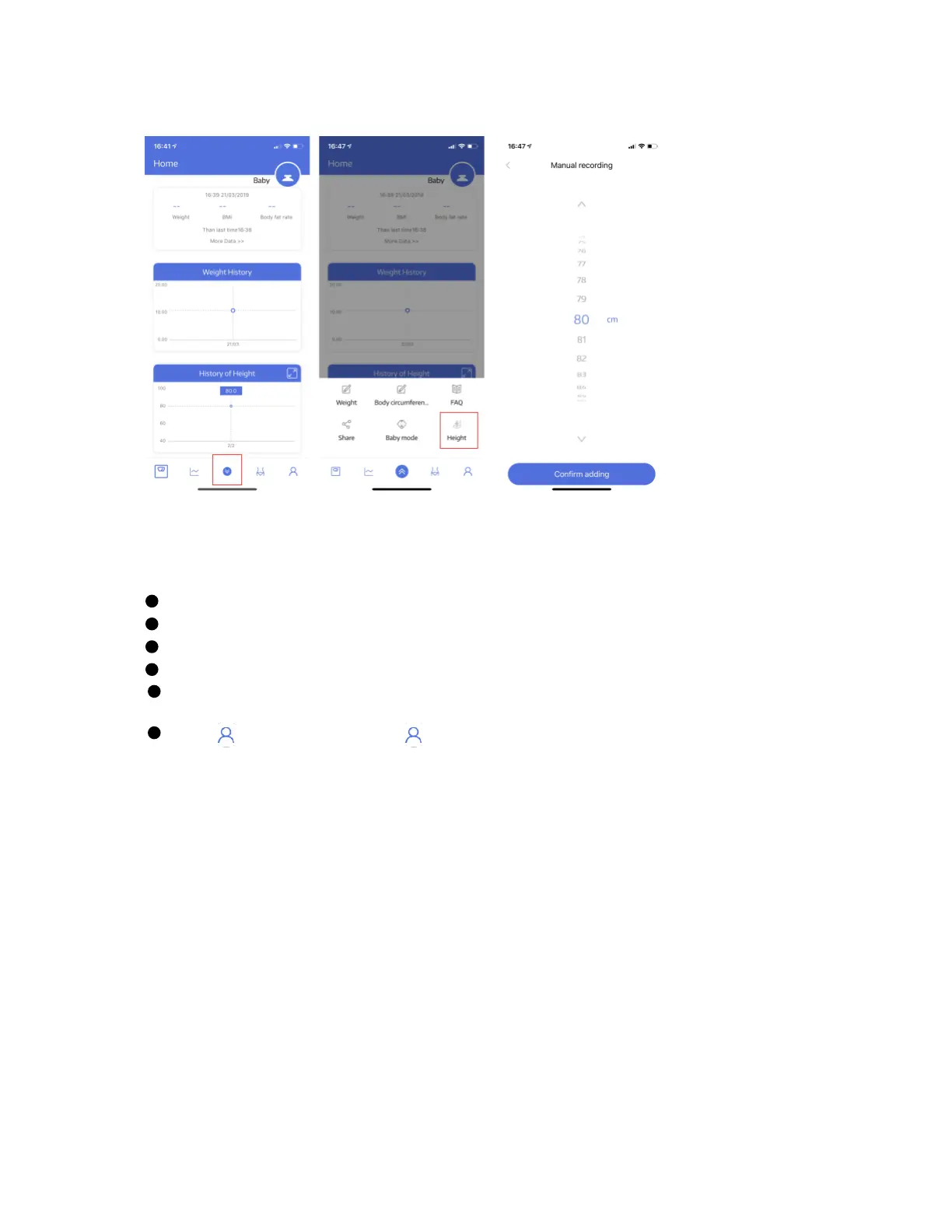
TROUBLE SHOOTING GUIDE
1. Bluetooth not connected
The scale and smart phone must be both have Bluetooth on.
For Android version, you need to allow location permission for the APP;
Need to open the APP during using the scale;
The scale should be with the connection icon showing on the display;
Check the iOS version of your smart phone, it must be iOS 8.0 or
higher/Android 6.0 higher.
Click ---> Device---> + or ---> Setting---> My device---> + to find the scale
‘My_scale’.


 To Next Page