5
1. Up / Call List Button
● In standby mode, press to enter the incoming call list.
●
Scroll up through menu options, call lists and phone book entries.
● During a call, press this button to increase the earpiece volume.
2. OK Button
● Press to select menu options and to confirm a displayed option.
3. Talk / Speakerphone Button
● Press to dial, to answer a call and press twice to use the speakerphone function.
●
4. Menu Button
Press to open the menu.
5. Numeric, * (Asterisk) and # (Hash) Buttons
● Press to enter a number/character, * sign or # sign.
* (ASTERISK) button: in standby mode, long press to lock/unlock the keypad.
# (HASH) button: in standby mode, long press to activate/deactivate the ringer.
6. * / Key Lock Button
● Press to insert * digit during dialing.
● Press and hold for 3 seconds to lock/unlock the keypad.
7. Mute Button
● During a call by base, press this button to switch Mute on/off. When mute on, your caller cannot hear
your
voice.
8. Down / Phone Book Button
● In standby mode, press this button to enter the phonebook.
● Scroll down through menu options, call lists and phonebook entries.
● During a call, press this button to decrease the earpiece volume.
9. Back / Delete Button
● In Menu mode, press this button to return to the previous menu.
● In Enter/Edit mode, press to delete characters and digits.
15
6
10. End / (On/Off) Button
● Press to end calls.
● Press and hold for 3 seconds to switch the handset on/off.
● When viewing the redial/call lists or when editing, press to exit and return to standby mode.
11. Flash / Play Message Button
● If the phone used behind PBX, press this button for intercom or call transfer.
● If your telephone company provides call waiting service, press once to answer the call while call
waiting ringing, press again to return to the original call
.
● In standby mode, press this button to play TAM message when there are the new message is received.
12. Redial Button
In standby mode, press this button to check the last 5 dialed numbers.
13. # / (Ringer On/Off ) Button
● Press to insert # digit during dialing.
● Press and hold 3 seconds to activate/deactivate the ringer in standby mode.
14. Intercom / Transfer Button
● Use to make internal calls or transfer calls to other handsets registered, or establish a three-way call.
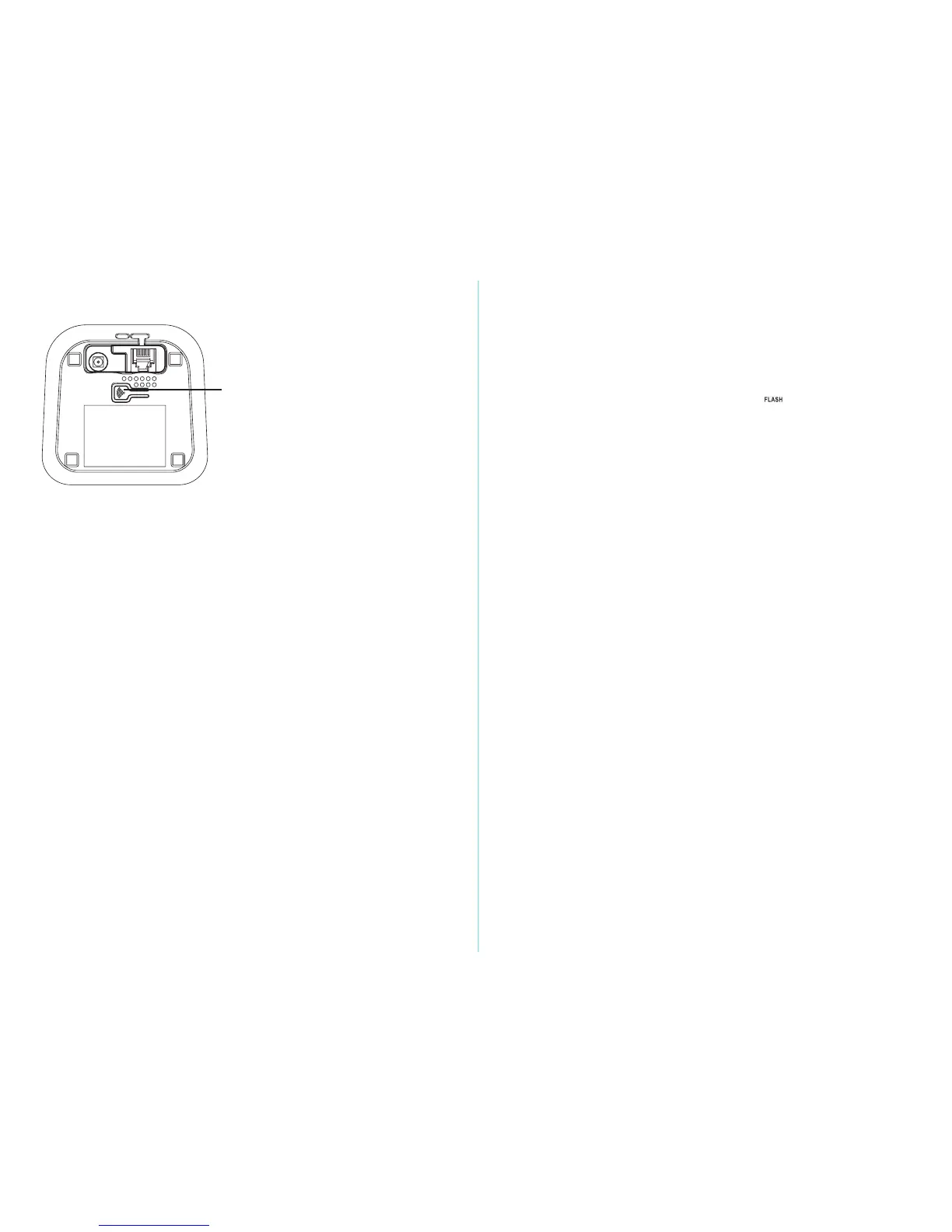
15.
Page Button
● Press the PAGE button to locate the handset. The handset will ring.
● Press and hold for 3 seconds to for registration of base and handset.


 To Next Page
 Loading...