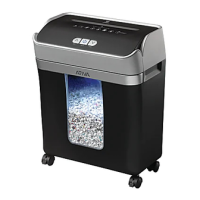
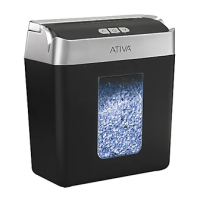
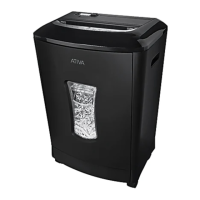
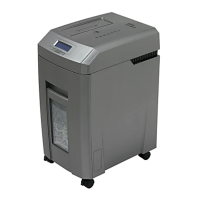
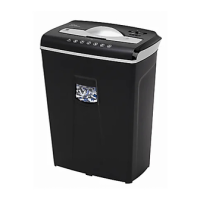
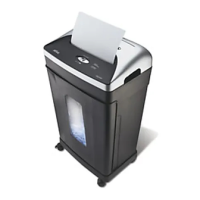
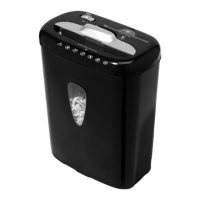
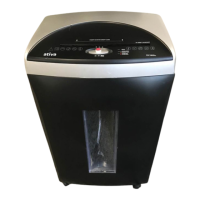
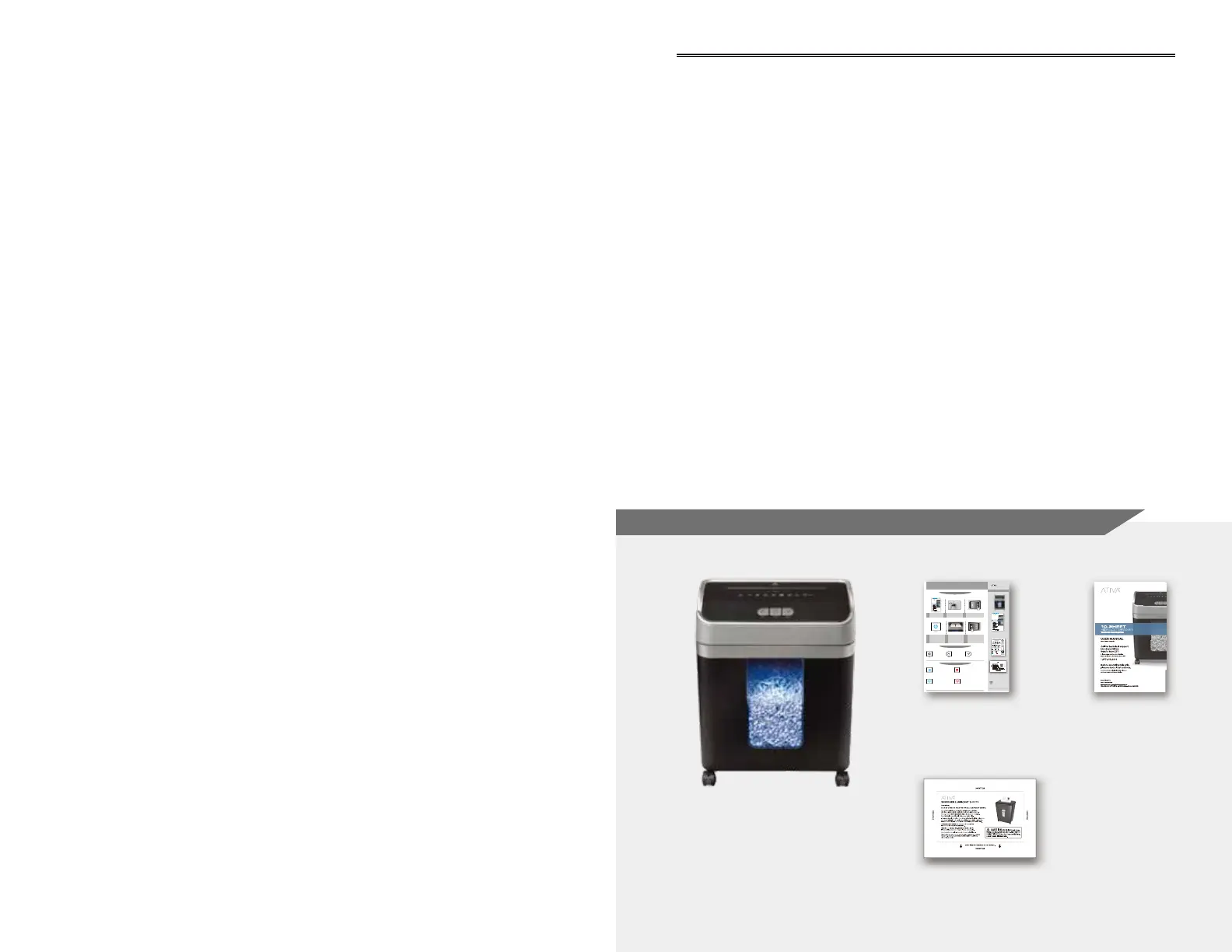
What's in the box / Qué contiene la caja :
2.
Quick start guide/
Guía de inicio rápida
3.
User manual/
Manual del usuario
1.
Shredder/
Trituradora de papel
4.
Lubricant sheet/
Hojas lubricantes para trituradoras
Table of Contents / Tabla de contenidos
English
Warning ......................................................
Know your Ativa shredder .............................
Operation ....................................................
Maintenance ................................................
Troubleshooting ............................................
FAQ ............................................................
Limited Warranty ..........................................
Español
Advertencia .................................................
Conozca su trituradora Ativa .........................
Operación ...................................................
Mantenimiento .............................................
Solución De Problemas ................................
FAQ ............................................................
Garantía Limitada .........................................
1
2
3-4
5-6
7-8
9
11
1
2
3-4
5-6
7-8
9
11
Overheat:
Red light – Shredder has reached
overheating. If this happens, switch the
shredder off for 60 minutes or longer
before resuming normal operation.
Power On:
Green light – Power light will activate
when switched to Auto mode.
What’s in the box!
4
QUICK START GUIDE
Plug in 120V power
outlet
Slide switch to Auto to
power ON shredder
Read instructions
Make sure you do not
exceed sheet count per
pass (8 sheets max).
Insert paper as straight
as possible into feed
slot and release.
Insert one credit card
at a time into the middle
of the feed slot.
Slide switch to OFF to
power OFF shredder
Shredding Operation
Control Switch
LED Status Indicators
0816
Shredder
User manual
For product support please call:
1-866-397-9075
1 2 3
6
272-210 / 25433923
A08MC17
®
Power On:
Slide this switch to
control power
ON/OFF.
Reverse:
The shredder runs in
reverse when the switch
is in this position.
Power Off:
The shredder will shut off
power when the switch
is in this position.
ENGLISH
version 0816
version 0816
version 0118
version 0719
Shredder
User manual
Quick guide
Lubricant sheet
Overheat:
Red light – Shredder has reached maximum
running time and is overheating. If this
happens, switch the shredder off for
50 minutes or longer before resuming
normal operation.
What’s in the box!
4
QUICK START GUIDE
Plug in 120V power
outlet
Press master switch on back
of unit to ON to Power ON
shredder.
Press Auto button to Power
ON shredder.
Read instructions
Press master switch to OFF
to Power OFF shredder.
Shredding Operation
Control Switch
LED Status Indicators
0118
For product support please call:
1-877-419-2616
1 2 3
5 6
Power On:
Blue light – Power light will activate
when switched to Auto mode.
314872
A10MC19
®
Power On:
Press this button to
control power ON/OFF.
Reverse:
The shredder runs in
reverse when this button
is pressed.
Forward:
The shredder runs in
forward when this button
is pressed.
ENGLISH
Make sure you do not
exceed sheet count per
pass (10 sheets max).
Insert paper as straight
as possible into feed
slot and release.
Overload:
Red light flashing – The motor will immediately
stop and start to auto-reverse for paper release.
Press the Reverse button to reverse mode if
needed and remove paper at a 45 degree angle.
Bin Full:
Blue light flashing –
Shredder bin
is full and should be emptied.
Shredder will not operate until bin
is emptied.
Shredder
User manual
version 0118
Overheat:
Red light – Shredder has reached maximum
running time and is overheating. If this
happens, switch the shredder off for
60 minutes or longer before resuming
normal operation.
What’s in the box!
4
QUICK START GUIDE
Plug in 120V power
outlet
Press master switch on back
of unit to ON to Power ON
shredder.
Press Auto button to Power
ON shredder.
Read instructions
Press master switch to OFF
to Power OFF shredder.
Shredding Operation
Control Switch
LED Status Indicators
0118
For product support please call:
1-866-397-9075
1 2 3
5 6
Power On:
Blue light – Power light will activate
when switched to Auto mode.
314-872 / 25706736
A10MC18
®
Power On:
Press this button to
control power ON/OFF.
Reverse:
The shredder runs in
reverse when this button
is pressed.
Forward:
The shredder runs in
forward when this button
is pressed.
ENGLISH
Make sure you do not
exceed sheet count per
pass (10 sheets max).
Insert paper as straight
as possible into feed
slot and release.
Overload:
Red light flashing – The motor will immediately
stop and start to auto-reverse for paper release.
Press the Reverse button to reverse mode if
needed and remove paper at a 45 degree angle.
Bin Full:
Blue light flashing –
Shredder bin
is full and
should be emptied.
Shredder will not operate until bin
is emptied.
version 0118
What’s in the box!
4
QUICK START GUIDE
Plug in 120V power
outlet
Press master switch on back
of unit to ON to Power ON
shredder.
Press Auto button to Power
ON shredder.
Press master switch to OFF
to Power OFF shredder.
Shredding Operation
Control Switch
LCD Icon Indicators
0118
Shredder
rt please call:
12 3
56
806-819 / 25706852
A16MC18
®
Power On:
Press this button to
control power ON/OFF.
Reverse:
The shredder runs in
reverse when this button
is pressed.
Forward:
The shredder runs in
forward when this button
is pressed.
ENGLISH
Make sure you do not
exceed sheet count per
pass (16 sheets max).
Insert paper as straight
as possible into feed
slot and release.
version 0118
version 0118
Auto Mode: Indicator will light
when shredder is ready for
normal operation.
Overheat: Indicator will increase
as temperature rises and icon will
flash when overheated. Refer to
Overheat instructions to resume
normal operation.
Bin Full: Indicator will increase
as bin fills and icon will flash
when bin if full. Empty bin to
resume normal operation.
Paper Jam: Indicator will flash
when paper is jammed. Refer to
Shredder is Jammed instructions
to resume normal operation.
What’s in the box!
QUICK START GUIDE
Shredding Operation
Control Switch
LCD Icon Indicators
0118
Shredder
123
56
806-819 / 25706852
A16MC18®
Power On:
Press this button to
control power ON/OFF.
Reverse:
The shredder runs in
reverse when this button
is pressed.
Forward:
The shredder runs in
is pressed.
ENGLISH
Make sure you do not
exceed sheet count per
pass (16 sheets max).
Insert paper as straight
as possible into feed
slot and release.
QUICK START GUIDE
123
56
Auto Mode: Indicator will light
when shredder is ready for
normal operation.
Overheat: Indicator will increase
as temperature rises and icon will
flash when overheated. Refer to
Overheat instructions to resume
normal operation.
Bin Full: Indicator will increase
as bin fills and icon will flash
when bin if full. Empty bin to
resume normal operation.
Paper Jam: Indicator will flash
when paper is jammed. Refer to
Shredder is Jammed instructions
to resume normal operation.
ion 0719
version 0719


 To Next Page
 Loading...