To shut down the appliance, press and hold .
To switch the appliance on, press and hold .
SWITCHING THE APPLIANCE ON / OFF
To avoid the commands being changed by children, you may lock your
appliance's commands by pressing and holding .
Do the same to unlock the commands by selecting "Unlock"
LOCKING COMMANDS
CONNECTIVITY
This appliance is compatible with our Cozytouch range (full information is available on our
This installation will enable you to operate, program, and control your appliance remotely,
via a smartphone or tablet.
For example, you can change the setpoint temperature, or the operating mode, manage
your absences by indicating your return date, or display the consumption of your appliances.
All connection or control operations are carried out via the app (follow the instructions
on-screen on your smartphone or tablet).
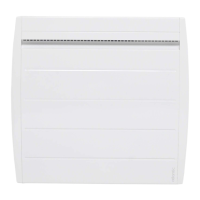
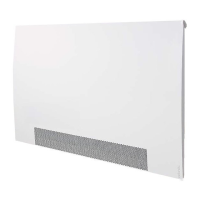
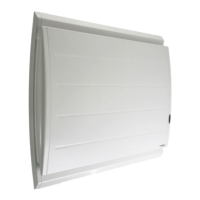
An On/Off switch is located at the rear of the device's unit.
Use the switch for extended shutdowns only
excluding heating periods
located at the rear of the appliance
appliance on. When the appliance is switched off, you may need to set
THE SWITCH
SWITCHING THE APPLIANCE ON FOR THE FIRST TIME
Select the language, then the date and time.
7KHÀUVWWLPH\RXVZLWFKWKHDSSOLDQFHRQ
the setpoint temperature is set at 20° C.



 To Next Page