ADJUSTING THE TEMPERATURE
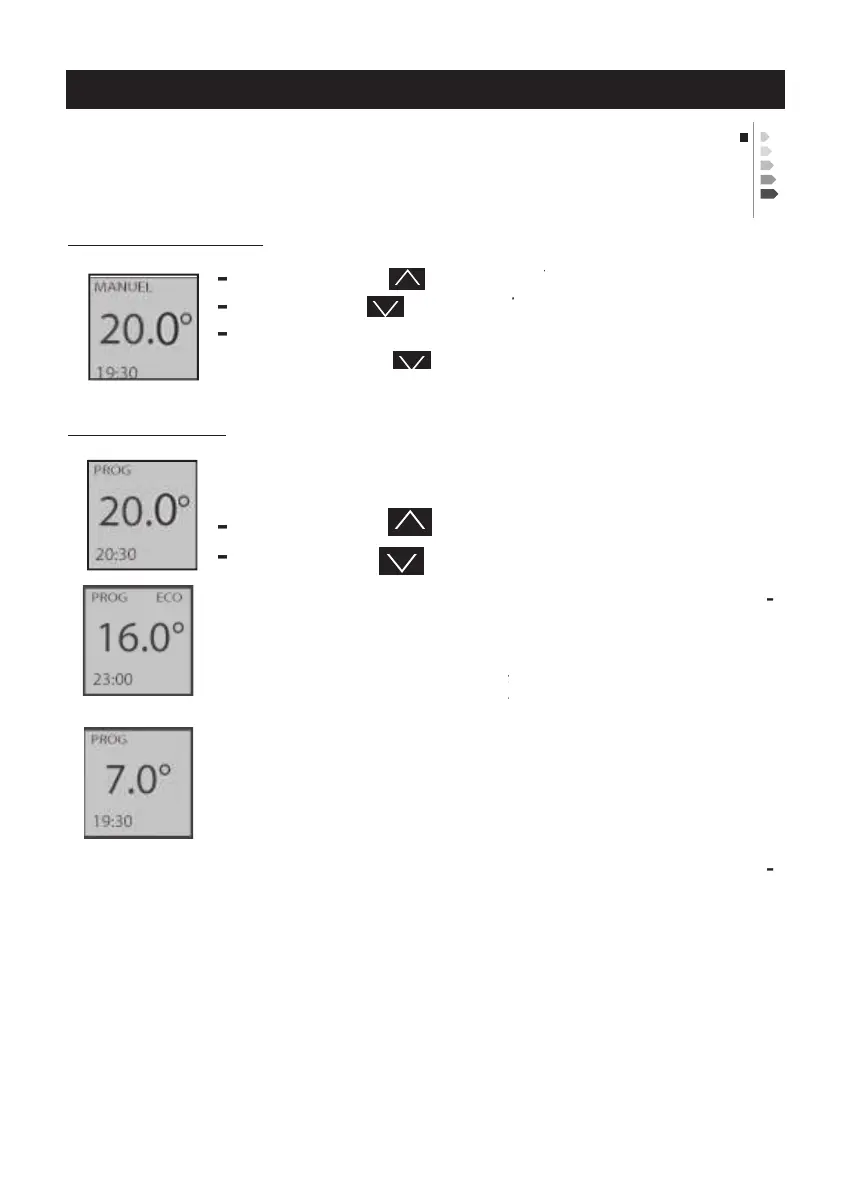
If the screen displays PROG, you are in a programming
If the screen displays PROG ECO, you are in a pro
gramming range in ECO mode. To modify the ECO
range temperature, use the ECO Temp. menu (
menu in PROG mode" chapter
menu in PROG mode" chapter
menu in PROG mode" chapter
If you set a Frost Protection temperature (7°C) when
you changed to the programming range in ECO mode,
the screen displays 6°.0 (
If you are in an ECO programming range and you
switch to a Comfort programming range, this previ
ously-set Comfort temperature is displayed.
Use the consumption indicator to optimise your setting. When
the consumption indicator reaches the green symbol, you are
at a temperature level which is lower than or equal to the
Frost Protection temperature not



 To Next Page