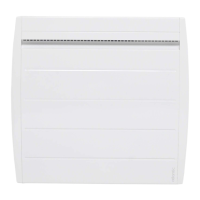
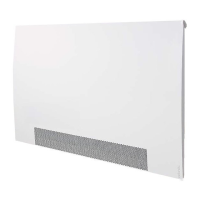
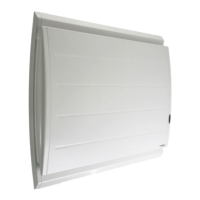
Your device is equipped with a function that allows your device to anticipate the heating
when you use programming. When you set the programming of your device, it will anti
cipate the heating according to the time of rise in temperature so that your room is at
the right temperature when you arrive. For example: if you set your programming with a
comfortable return at 15:00, the unit will start before you can anticipate the heating of your
EHWZHHQPLQXWHVDQGRQHKRXU
EHWZHHQPLQXWHVDQGRQHKRXU
EHWZHHQPLQXWHVDQGRQHKRXU
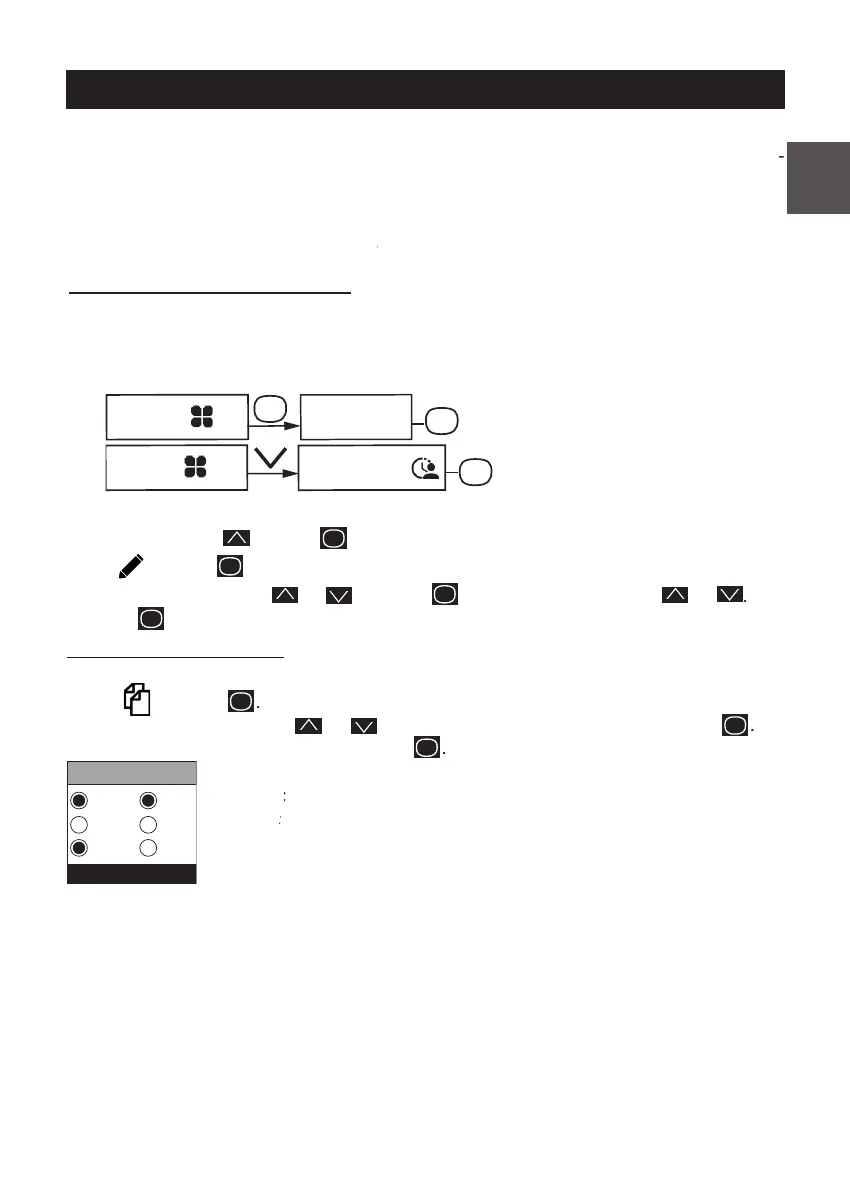
You may program up to 3 Comfort temperature ranges for each day of the week. Outside
the Comfort ranges, lowering the temperature is set in "Lower ECO T°" Prog mode (
chapter "The menu in PROG mode"
Select the start time with or
. Select the end time with or
You may copy a day's program to one or more days.
Scroll through the days with
. Validate the day to copy the program with
To validate the copy, select "Copy". Validate
Program copy from Monday to Tuesday,
Program
Mode
Mode
PROG
Monday
Thu
Wen
Thi
Fri
Sat
Sun
USING INTERNAL PROGRAMMING



 To Next Page