Need help?
Do you have a question about the Atlas AA35 and is the answer not in the manual?
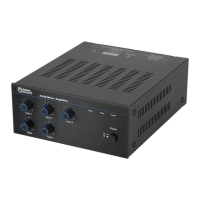
Overview of the AA35 mixer amplifier and its professional grade design.
Lists key features of the AA35 mixer amplifier, including power, inputs, and outputs.
Describes typical uses for the AA35 mixer amplifier in various audio systems.
Explains safety symbols like WARNING and CAUTION used in the manual.
Details safety warnings specific to the installation process of the AA35.
Highlights critical safety warnings related to operating the AA35 mixer amplifier.
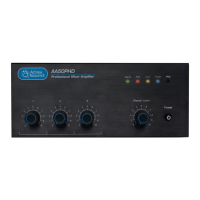
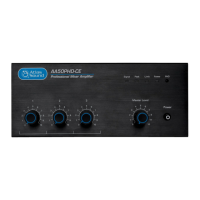
Describes the function of each front panel control and indicator for operation.
Details the functionality of the multi-function dipswitches for system setup.
Guide for setting up typical paging and background music system with the AA35.
Setup guide for a convenience store with gas pumps, including paging and BGM.
Configuration for a small speech privacy and sound masking system using the AA35.
Setup for Music on Hold (MOH) with background music and remote paging.
 General
| Package weight | 4630 g |
|---|---|
| Amplifier class | - |
| Frequency range | 50 - 20000 Hz |
| Output impedance | 8 Ω |
| Audio output channels | 3.0 channels |
| Peak power per channel | 35 W |
| Signal-to-Noise Ratio (SNR) | - dB |
| Total Harmonic Distortion (THD) | - % |
| Purpose | Performance/stage |
| Product color | Black |
| Volume control | Rotary |
| Bass adjustment | Yes |
| Channels quantity | 3 channels |
| Connectivity technology | Wired |
| AC input voltage | 110 - 120 V |
| Power source type | AC |
| Speakers connectivity type | Phoenix / RCA |
 Weight and Dimensions
| Depth | 276 mm |
|---|---|
| Width | 210 mm |
| Height | 93 mm |

 To Next Page