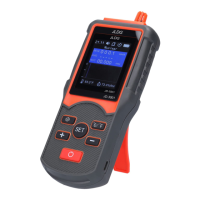
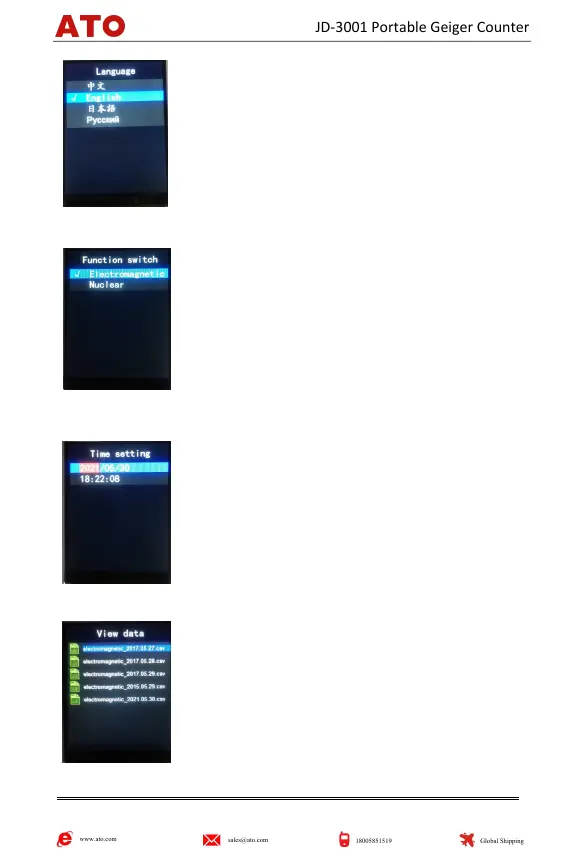
Language: 4 operation pages are provided in
Chinese, English, Japanese and Russian.
Move the cursor bar to the desired option and
press the "SET" button to confirm.
Long press the "SET" button to return to the
previous operation page.
3. Function switch: Move the cursor bar to the
desired option, and press the "SET" button to
confirm.
Long press the "SET" button to return to the
previous operation page.
Press the "+" button to switch quickly on the main page.
4. Time setting: Move the cursor bar to the desired
option, short press the "SET" button, the
background turns red, and press the "+" button or
"―" button to set.
Long press the "SET" button to return to the
previous operation page.
5. View data: Move the cursor bar to the desired
option, and short press the "SET" button to view
the recorded data.
Long press the "SET" button to return to the
previous operation page.
It can store up to 7 days of data, please connect the important data to
www.ato.com
sales@ato.com
18005851519
Global Shipping
JD-3001 Portable Geiger Counter


 To Next Page
 Loading...