_DMX Channel
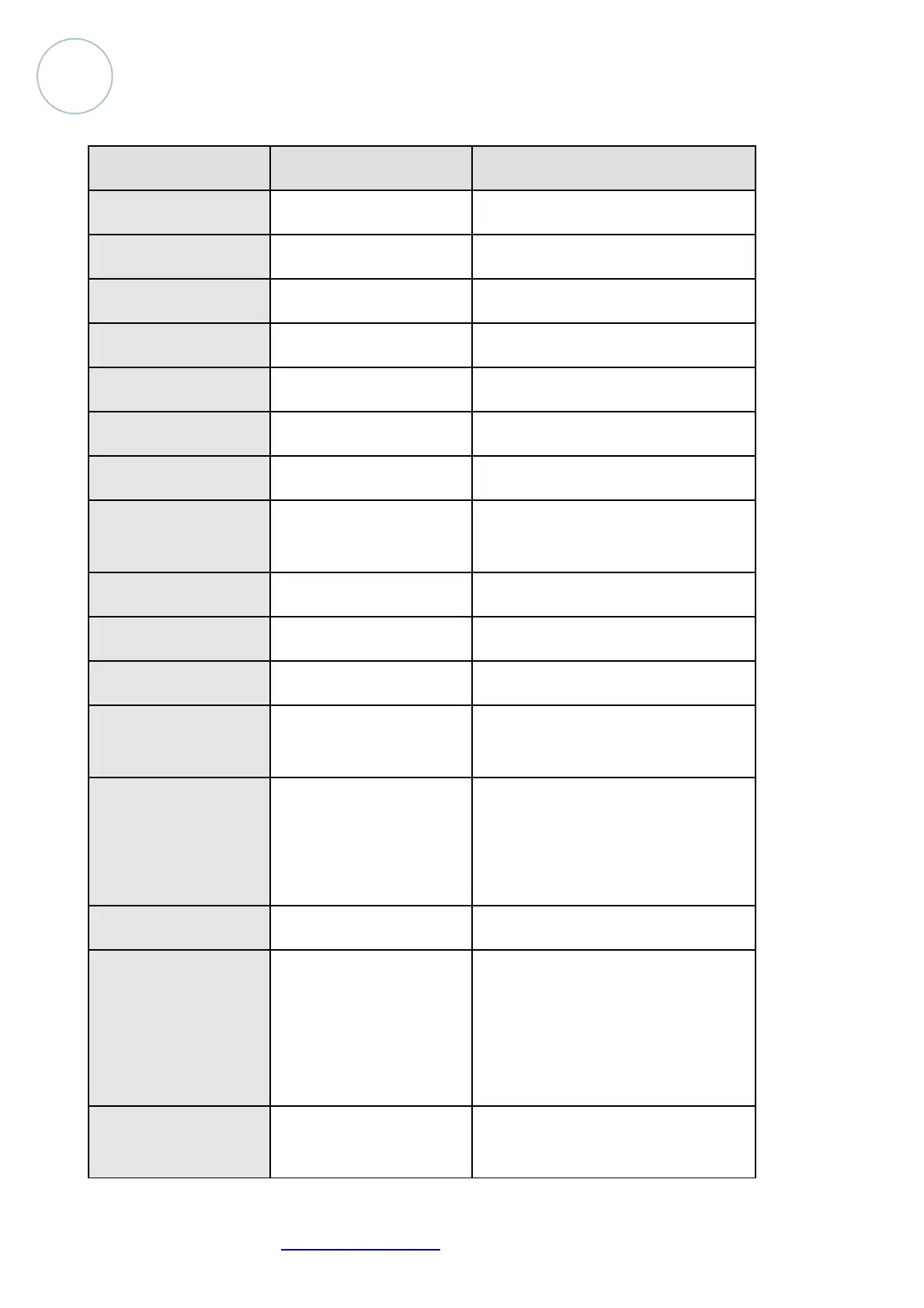
Channel Function Effect
1 Pan scan 0-540°
2 Tilt scan 0°-265°
3 Pan scan 16 Bit 0-255
4 Tilt scan 16 Bit 0°-255
5 Pan speed 000-255 from slow to fast
6 Tilt speed 000-255 from slow to fast
7 Dimmer 000-255 from dark to bright
8 Shutter
1-50 lamp on 51-240 strobe from
slow to fast 241-255 lamp off
9 Frost 000-255 from strong to impotent
10 color 000-255 from color to color
11 Gobo 000-255 from gobo to gobo
12 Prism
0-127 non- change 128-
255 8 facet prism
13 Prism rotate
0-106 clockwise rotate from slow
to fast 107-180 anticlockwise from
slow to fast 181-255 prism rotate
and shake from slow to fast
14 Focus 000-255
15 Lamp control
0-99 non- change 100-105 lamp off
(keep on 3 seconds) 106-199
non- change 200-205 lamp
on(keep on 3 seconds) 206-255
non- change
16 Reset
0-254 non- change 255(keep on 3
seconds then reset)
Atomic4Dj Probeam7R – www.Atomic4Dj.com 11



 To Next Page