EasyManua.ls Logo

ATOMIC4DJ Probeam 7R - User Manual

Default Icon
13 pages
Print Icon
To Next Page IconTo Next Page
Loading...
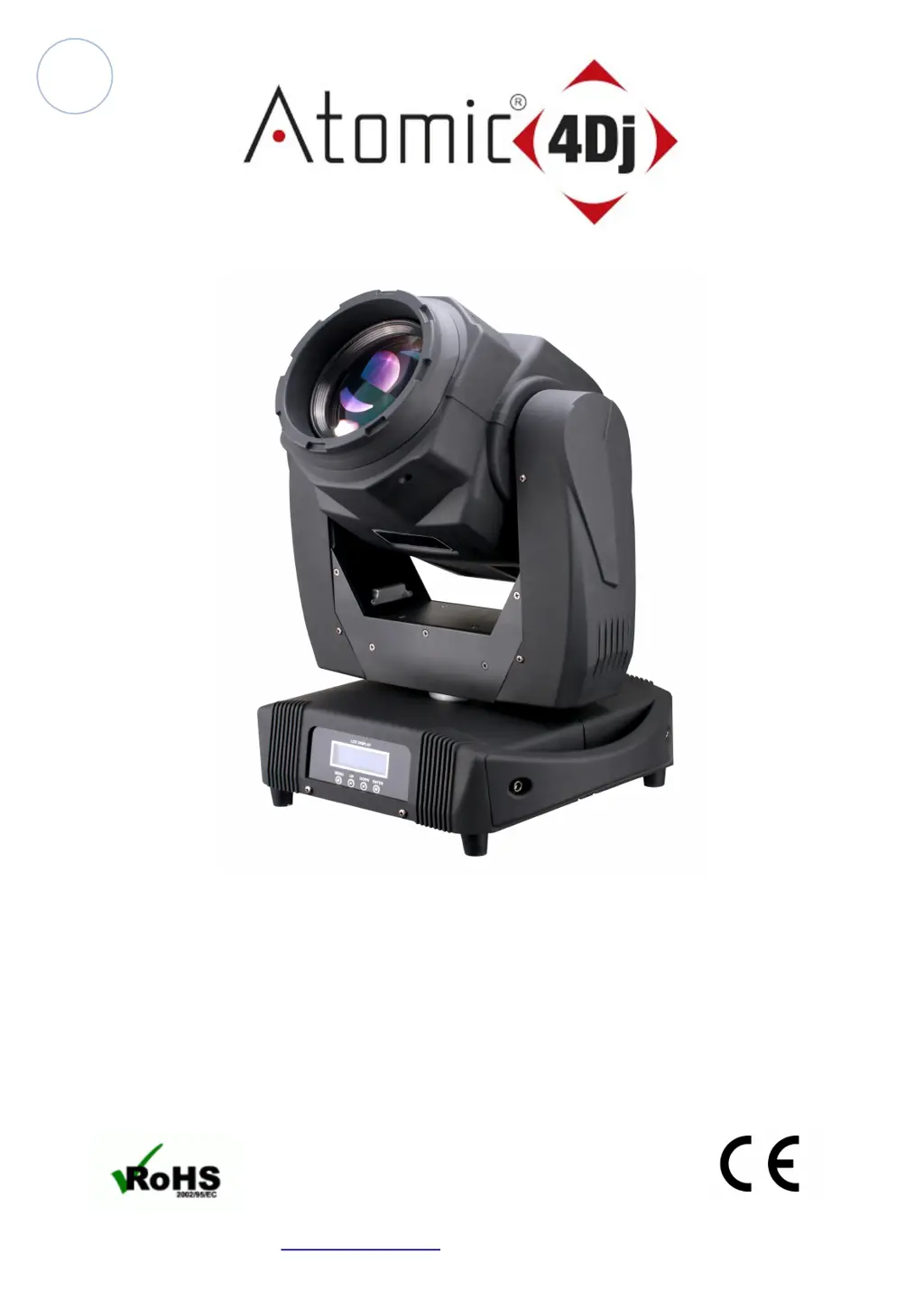
Atomic4Dj Probeam 7R
User Manual
Atomic4Dj Probeam7R – www.Atomic4Dj.com 1

Questions and Answers

  • J
    John ConradAug 2, 2025
    What to do if ATOMIC4DJ DJ Equipment is not responding to the controller?
    • M
      Mark PollardAug 2, 2025
      If your ATOMIC4DJ DJ Equipment isn't responding to the controller in DMX mode, first ensure the controller is properly connected. Then, verify the address settings on both the fixture and the controller. Inspect the data cables for any poor connections or breaks and correct them. Also, eliminate any scene cross-fades on the controller that might cause conflict. Insert a termination plug in the output of the last fixture in the data link. If problems persist, bypass fixtures one at a time by unplugging both connectors and connecting them directly together until normal operation is regained, to check for defective fixtures or two devices transmitting on the link.
  • T
    Teresa RhodesAug 18, 2025
    How to troubleshoot no power on ATOMIC4DJ Probeam 7R?
    • J
      john23Aug 18, 2025
      If your ATOMIC4DJ DJ Equipment shows no response when power is applied, check the power cables to ensure they are properly connected. If the issue persists, replace the primary or secondary fuse, as it may be blown.

Summary

Getting Started

Unpacking and Contents

Details on unpacking the fixture and checking all included components for completeness and condition.

Safety Instructions

Essential safety guidelines for operating the fixture safely, preventing hazards, and ensuring proper usage.

Operational Cautions

Important warnings and precautions for safe operation, including temperature limits and avoiding user service.

Setup and Connection

Fixture Installation

Guidance on securely mounting the fixture, using safety wires, and ensuring proper load capacity.

Controlling Board Overview

Description of the controlling board's features including LCD display, control buttons, and connection ports.

Machine Connection & DMX Termination

Information on cable connectors, DMX signal transmission, and the importance of DMX termination for signal integrity.

Troubleshooting

Common Issues and Solutions

Addresses common problems like no response, fixture resets, color mixing, and lamp issues with probable causes and remedies.

Technical Reference

Control Menu Navigation

Details on navigating the control menu, including DMX addressing, mode selection, and lamp/color settings.

DMX Channel Configuration

Comprehensive breakdown of DMX channels, their functions (pan, tilt, dimmer, color, etc.), and their corresponding effects.

Product Specifications

Detailed specifications including voltage, power, lamp type, scan angles, beam angle, size, and weight.

ATOMIC4DJ Probeam 7R Specifications

General IconGeneral
BrandATOMIC4DJ
ModelProbeam 7R
CategoryDJ Equipment
LanguageEnglish

Related product manuals