Section 3. Troubleshooting
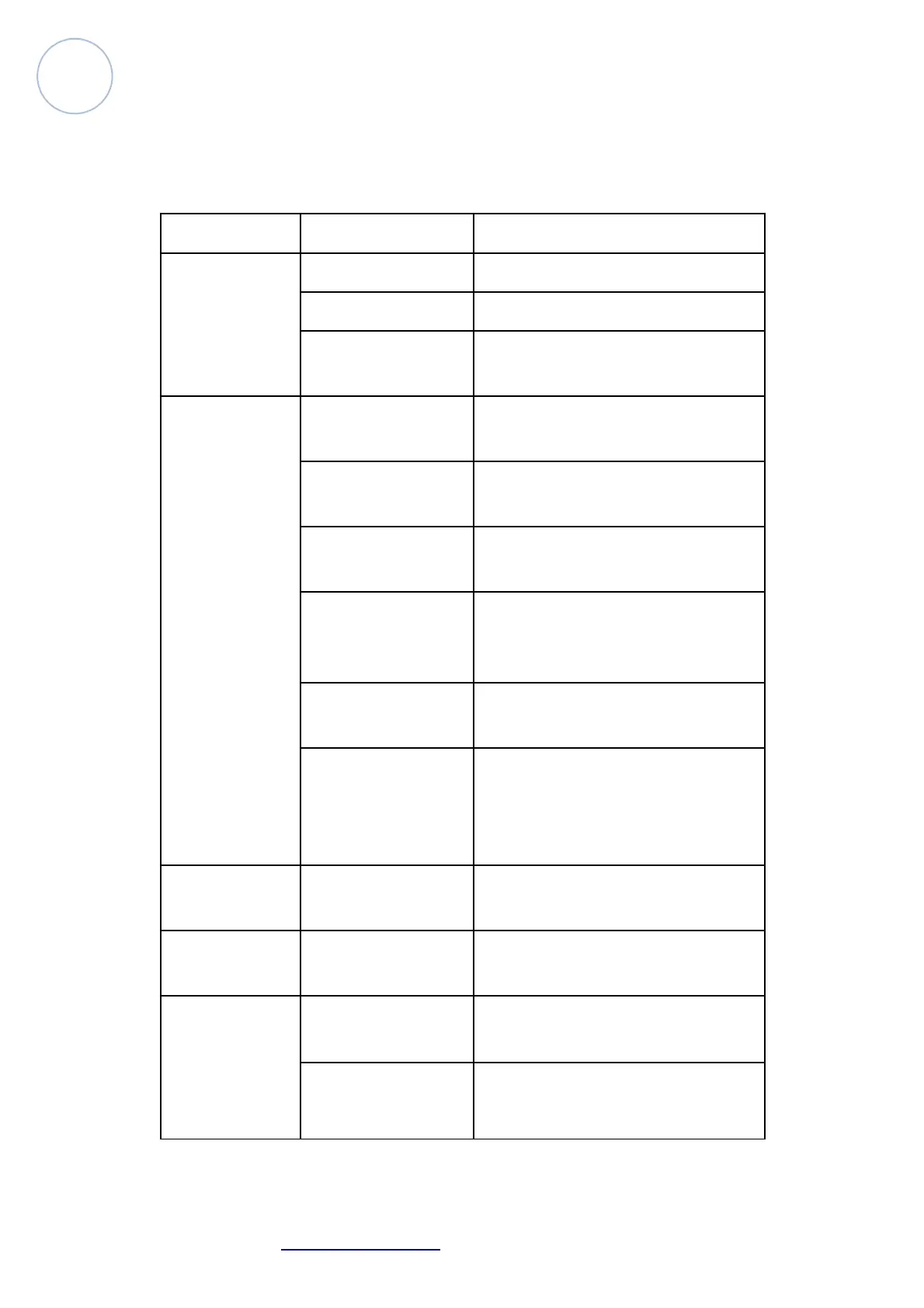
Problem Probable cause(s) Remedy
No response
from fixture
when power is
applies
No power to fixture Check power cables
Primary fuse blown Replace fuse
Secondary fuse blo-
wn
Replace fuse
Fixture resets
but does not re-
spond correctly
to
controller(DMX
mode opera-
tion)
Controller not con-
nected
Connect controller
Incorrect addressing
of the fixtures
Check address setting on fixture and
controller
Bad data link con-
nection
Inspect cables and correct poor
connections and/or broken cables.
Conflict between
tracking and vector
control
Eliminate scene cross-fade on con-
troller
Data link not termi-
nated
Insert termination plug in output of
last fixture
Defective fixture or
2 devices transmit-
ting on link
Bypass fixtures one at a time until
normal operation is regained: un-
plug both connectors and connect
them directly together
Colors cannot
be mixed
Random color mi-
xing is on
Turn off random color mixing
Fixture does not
reset correctly
Electronic or mecha-
nical failure
Contact service technician
No light, lamp
cuts out inter-
mittently, or
burns out too
quickly
Lamp missing or
blown
Disconnect fixture and replace lamp
Fixture or lamp is
too hot
Allow fixture to cool. If problem
persists, contact service technician
Atomic4Dj Probeam7R – www.Atomic4Dj.com 9



 To Next Page