5. Temperature Calibration
0 5
C
C
A
L
SET
- 0 5
C
C
A
L
SET
Under menu CAL mode, press “▲”or“▼”key to enable temperature calibration
function, whose calibration range is -50℃~ 50℃(-90℉~90℉). Calibration value will be
negative as actual-measured temperature is lower than setting temperature; Calibration
value will be positive as actual-measured temperature is higher than setting temperature.
FIG. 1-12 FIG. 1-13
6. Button Beeping Function
Under menu BL mode, user can turn on/ off the beeping function by pressing “▲”or
“▼”key.Refer Pic.1-14, OFF disable beeping function;Refer Pic.1-15, ON enables beeping
function.
OF F
REAL SET
0
REAL SET
FIG. 1-14 FIG. 1-15
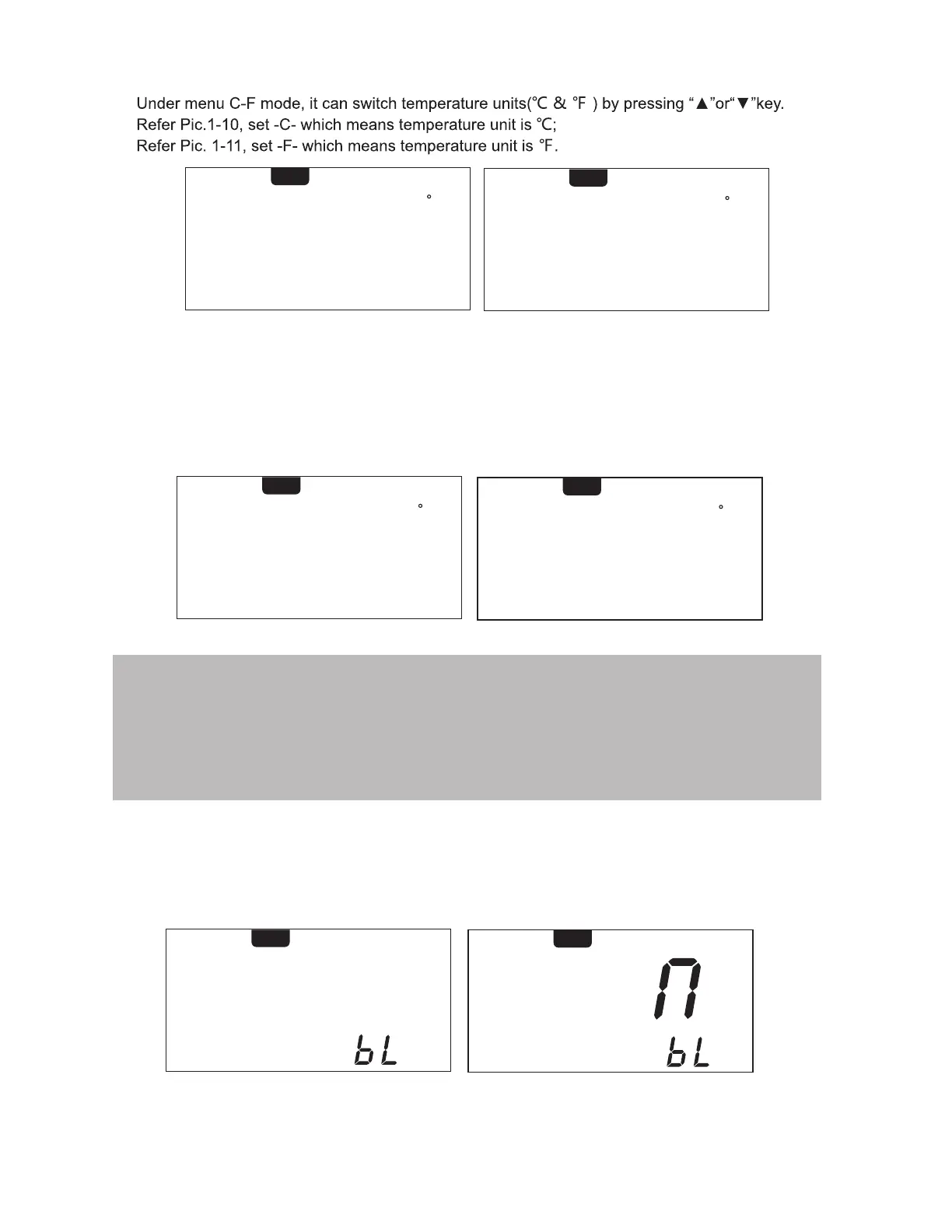
4. Switching Temperature Unit
- C-
C
SET
C
-
F
- F -
F
SET
C
-
F
FIG. 1-10 FIG. 1-11
7
Note: User need calibrate temperature by adjusting its value if the displayed temperature is much different with
actual-measured temperature after changing a new heater or tips, its calibration method be refered as below:
1.Set this handle required calibration as a suitable temperature like 350℃/ 662℉;
2.After this setting temperature is stable, use temperature tester to measure the actual temperature of its tip,
for example, its actual-measured temperature is 365℃/ 689℉;
3.We can get conclusion that the actual-measured temperature compar
ed to the setting temperature is
15℃/ 27℉ higher;
4.Then press “▲” key to calibrate temperature.


 To Next Page