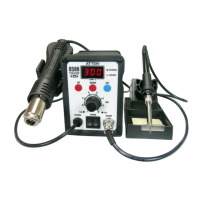
Boot-up Screen
0
2 0
u
6
After the station has been switched on, the display will turn on and show the system version
number for one second before switching to the normal display.
(Means ST-862D V0.1 version)
8
8 8 8
E
. . .
8 8 8
. . .
8
.
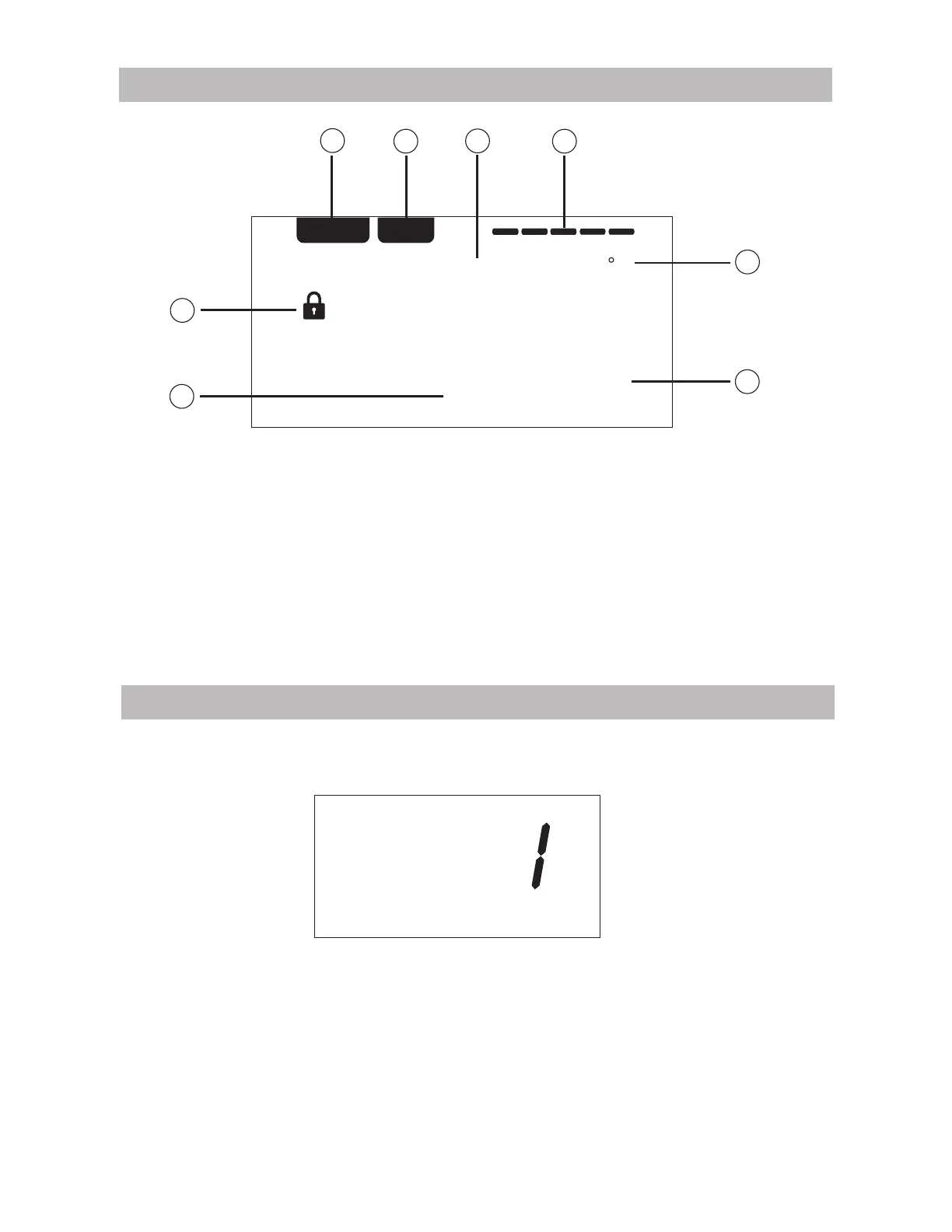
REAL SET
%
1
2
3
4
5
6
7
8
1. REAL (Real Temperature): Real Temperature status
2. SET (Set Temperature): Start up and set temperature status
3. Actual temperature value
4. Display bar for heating power status
5. Symbol for lock
6. Display settings value
7. Air flow percentage
8. Temperature unit
LCD Description
4


 To Next Page