●Instruction:
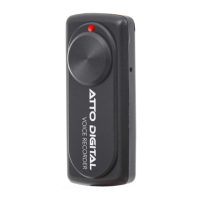
◆One button recording:Please push the “Turn On/Off” button to “ON” position, the indicator light
will shift from red to white for 5 seconds. After that the white light will stay ON for one second and it
will immediately shut OFF and will stay OFF during the recording time.
That means, during the recording NO LIGHT will be ON.
Just be sure that the ON - OFF button is in ON position and the device has enough battery level. You
can be sure that the device is in ON mode if you check that the power ON OFF button is in UP
position and it covers the grey circle marked on the device.
Conclusion: IF YOU CAN SEE THE SMALL GREY CIRLCE - THE DEVICE IS OFF, IF YOU
CANNOT SEE THE GREY CIRCLE - THE DEVICE IS ON.
◆Stop recording:In the recording condition, push the “Turn On/Off” button to “Off” position, the
device will saves the recording files automatically.
◆Playback:After recording is complete, please play the recording files on the PC. (check “HOW to
play the recorder files” section for more info).
◆Setting time:Connect the recorder at the computer and open the folder “SetUDiskTime” under the
disk directory. Then double click the program “SetUDiskTime(9X).exe” in the folder. After that, the
time of the recorder will be syncing with your computer system time.
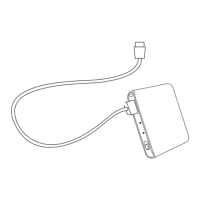
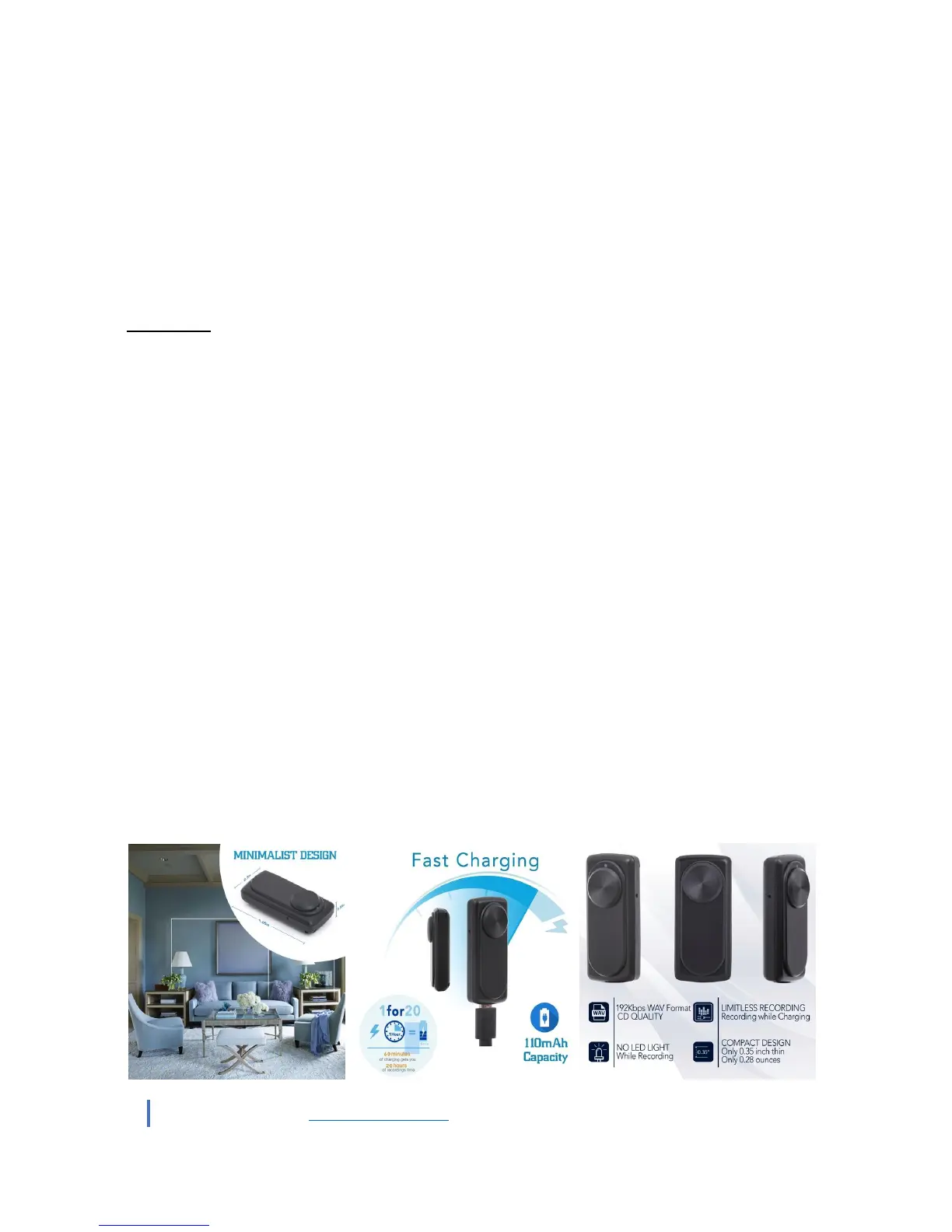
◆Charging:Connect the USB cable to computer and to the dotON voice recorder. When the red light
blinks, it means charging, when fully charged, the indicator light steady red. It can continue recording
about 20 hours once fully recharged.
Note:1. If the indicator light becomes red and blinking during recording, it means the battery is
low; please stop recording and charge the device.
◆Voice activation function: The device has integrated an automatic voice activation system which
helps you to record only when a sound/voice is hearing near the device. After you put the recorder in
ON mode, the device will automatically record sounds over 45dB (that is equivalent to a normal
conversation from about 6-8 feet).


 To Next Page
 Loading...