Need help?
Do you have a question about the aTTo Digital LightREC and is the answer not in the manual?
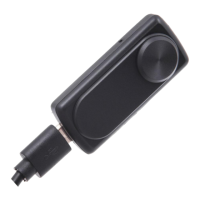
Identifies PC and mobile USB connection points and associated caps for data transfer and charging.
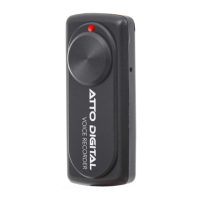
Explains the function of indicator lights, buttons, and ports like the hang rope hole for device operation.
Details how to start and manage recording modes using a single button and indicator lights.
Explains the procedure to stop recording and save audio files automatically.
Guides on connecting the device for playback and recommended media players.
Outlines how to connect the device for charging and identify charging status via LED indicators.
Explains the possibility and procedure of recording during the charging process.
Provides solutions for common problems like device not recognized or memory full.
Lists key technical details such as size, weight, power, format, and recording capacity.
Provides contact details including website and email for customer assistance.
 General
| Microphone Type | Built-in stereo microphone |
|---|---|
| USB Connectivity | USB 2.0 |
| Type | Digital Voice Recorder |
| Recording Format | MP3 |
| Storage | 8 GB |
| Playback | Yes |

 To Next Page