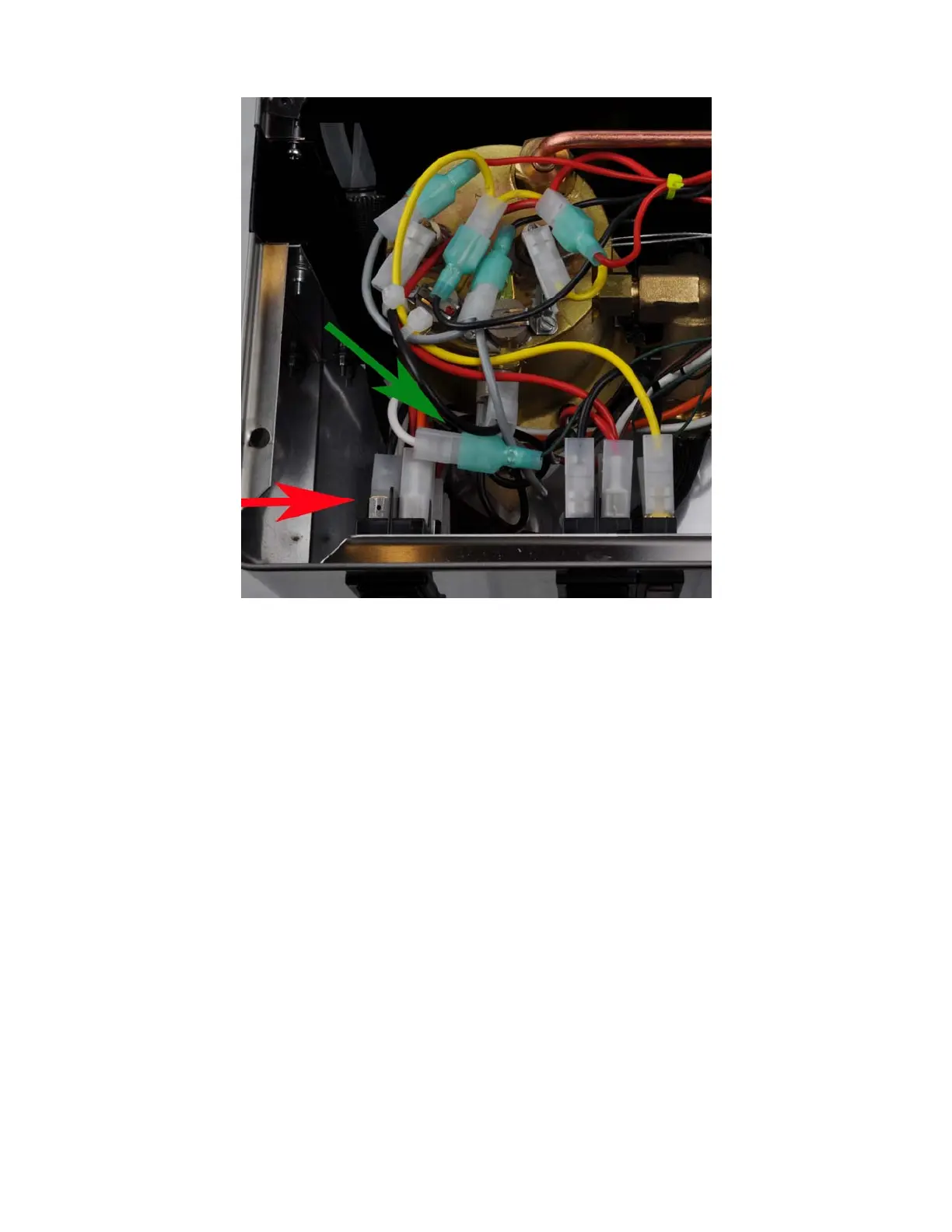
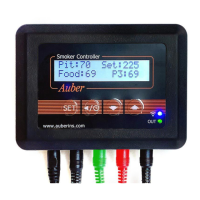
Figure. 24. Red arrow shows where the white cable has been removed. Green arrow
shows the cable is connected to the green colored pump control cable. They are hold to
a stable place by a cable tie.
E. Connecting the controller.
1) Remove all 8 screws on the controller box. Save them in a safe place.
2) Fit the steam control cables, controller power cables and RTD sensor cables to the outside
through the gap around the steam wand (red arrow in Figure. 25).
17



 To Next Page