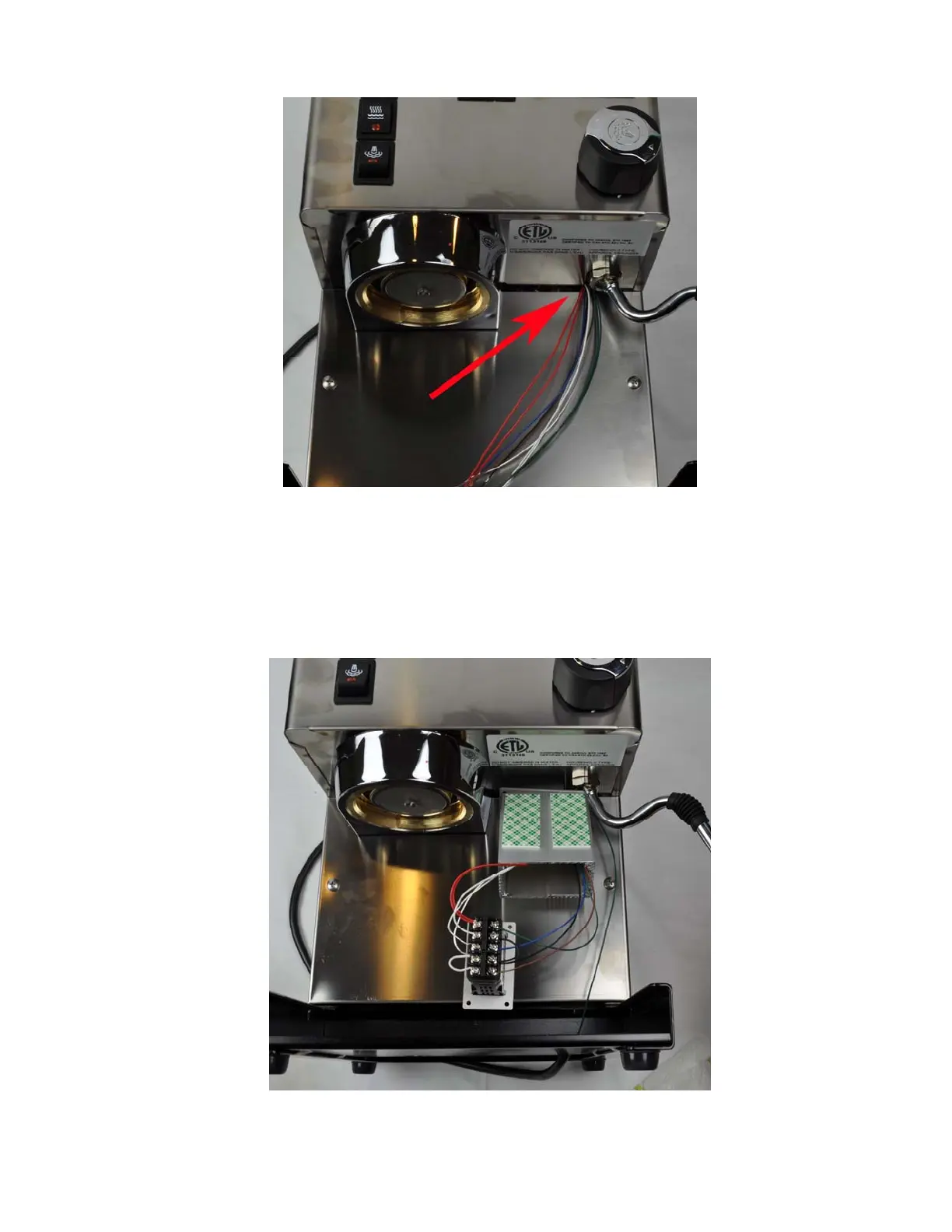
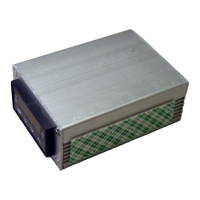
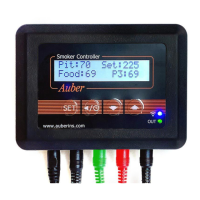
Figure 25. Cables going through the back panel of the controller box.
3) Fit all cables through the rubber grommet on the back panel of the controller box. Make sure
the direction of the back panel is correct. The surface with countersunk screw holes is the
outside surface. Cables should come from the outside surface to the inside. You need to fit
the cables through the grommet one at a time. There are nine cables total. Feed the cables
through the controller box. Connect them to the controller as shown in Figure 26.
Figure 26. Connecting the wire to controller
18



 To Next Page