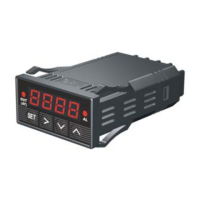
5) Timer status indicator - When lit, right window shows the time passed since
power up. When it is off, right window shows the current temperature detected by
the probe 2.
6) SET Key - For showing current temperature settings, entering parameters setting
mode and confirming various actions taken.
7) “-” Key - To decrement displayed values when controller is in the parameter
setting mode. During normal operation, press it to cancel the alarm.
8) “+” Key - To increment displayed values when controller is in the parameter setting
mode. During normal operation, press it will change the left window from
temperature to display which step the program is at.
9) Time Key - Changes the display in the right window between current timer and
temperature values.
Figure 2. Back Panel



 To Next Page