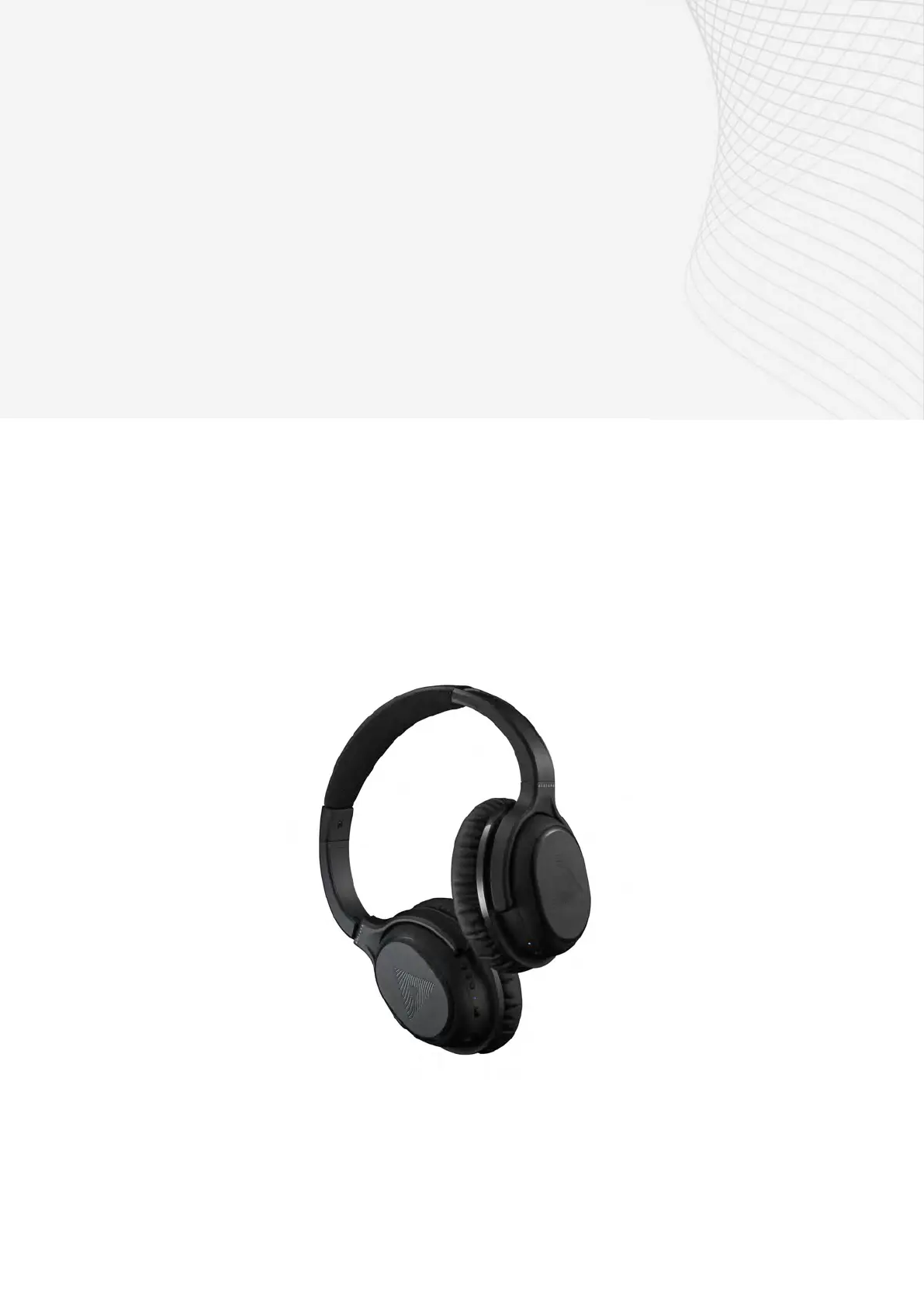
A-01 Headphone + BT-01 TV Transmitter
A01 HEADPHONE AND
BT01 FEATURES
Connect the BT01
transceiver to your
TV
Watch your favourite
TV
shows or movies
with clear, tailored
sound through the
BT01 TV transceiver.
Personalised Sound
The headphones allow you to calibrate
your hearing resuts directly into the
headphones to provide tailored sound.
This is done by performing a hearing
test on your smartphone using the
Audeara App.
Bluetooth
Compatible Devices
The Audeara
headphones will
connect to all
Bluetooth
compatible devices,
such as laptops,
iPads, tablets and
m
obile phones.
Hands free Calling
The in-built microphone
and clear voice capture
technology lets you hear
and communicate
clearly over the phone,
or via video chat.
Active Noise
Canc
ellation
Reduce the impact of
unwant
ed background
noise by turning on
the A
ctive Noise
Cancellation (ANC)
feature, available on
the
right ear cup on
your headphones.
C
ompatible with
Hearing Aids and
C
ochlear Implants
Wear your A01
Wireless
Headphones over
the top of your
Hearing Aids or
Cochlear Implants
to enhance your
listening
experience.
Volume control and multifunction buttons.
Use the three buttons on the left ear cup to control
the volume ( the top button will increase volume,
button button will reduce volume and the middle
button is used to pair the headphones, answer phone
calls or pause music/videos).
Extended battery life
Enjo
y up to 35 hours
of continuous
Bluetooth streaming
with Active Noise
Cancellation
activated.
2


 To Next Page