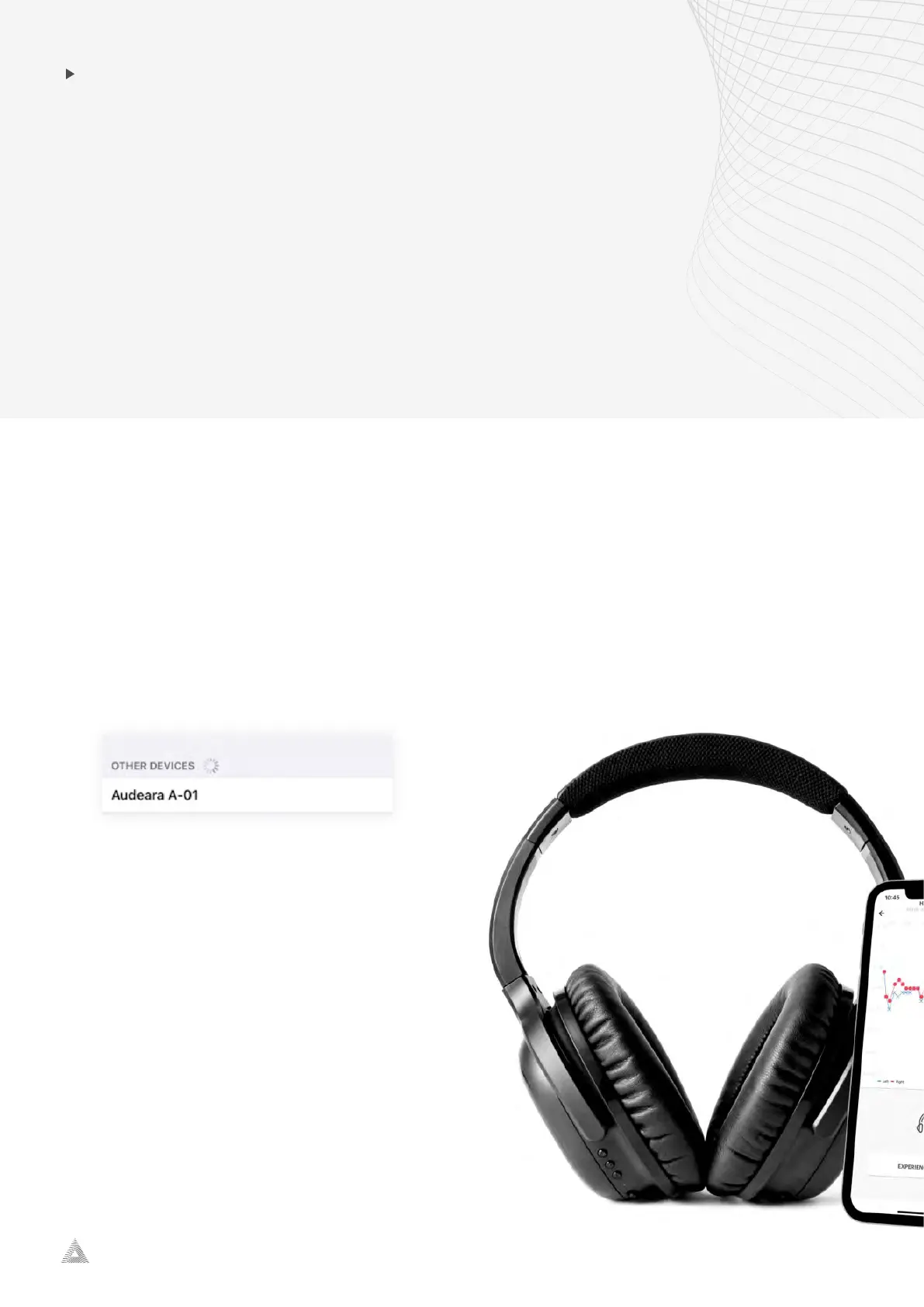
A-01 Headphone + BT-01 TV Transmitter
audeara.com
3
PAIRING THE A01
HEADSET TO YOUR PHONE
1. Turn on the headphones using the power switch on the left ear cup.
2. Hold the middle button on the left ear cup of the headphones for three seconds or until
the light lashes blue and red.
3. Open your phone and navigate to settings> Bluetooth and make sure it is active.
4. Your phone should display “Audeara A01” to be selected in your Bluetooth settings.
5. Select “Audeara A01” to complete pairing.


 To Next Page