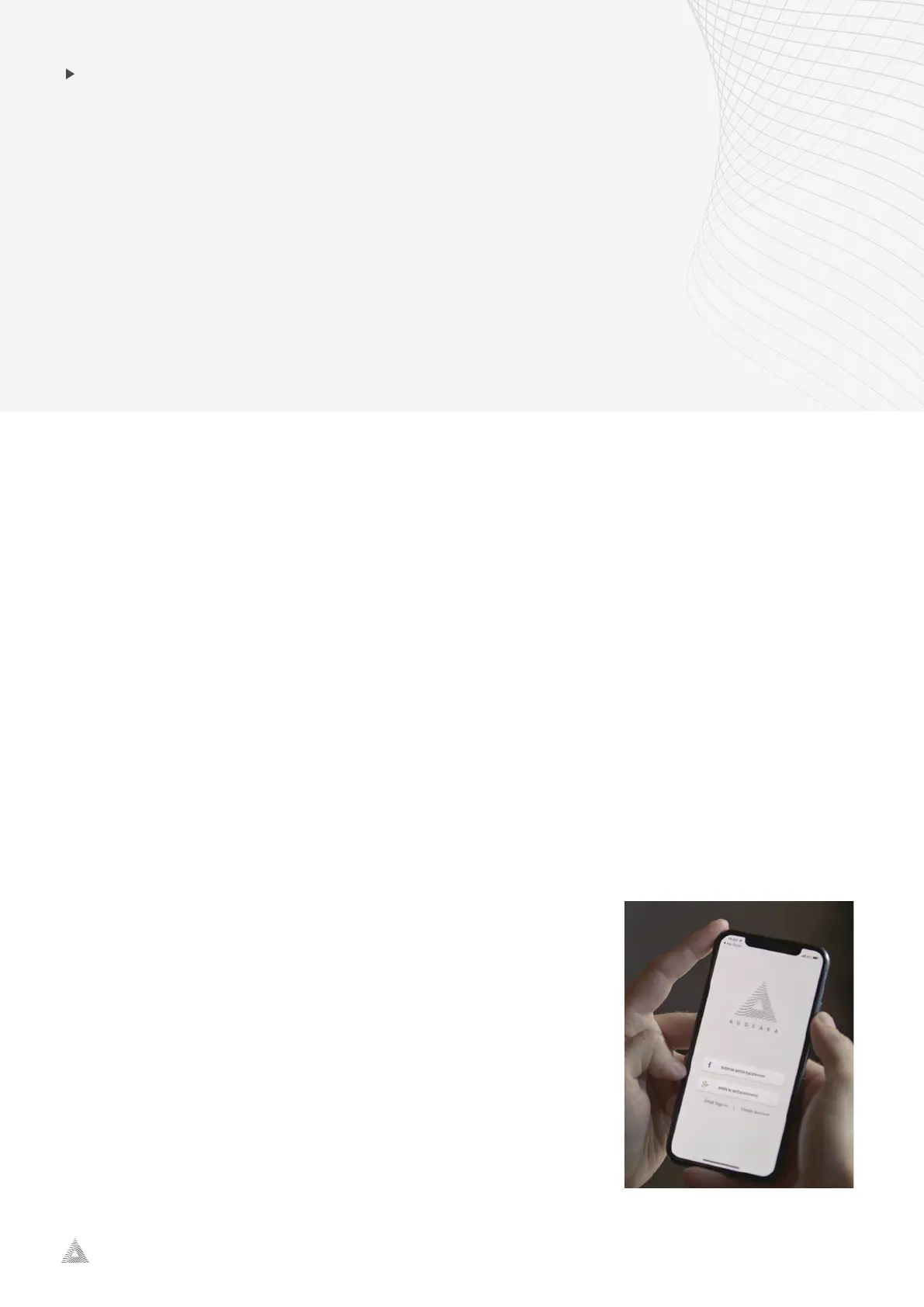
A-01 Headphone + BT-01 TV Transmitter
audeara.com
4
INSTALLING THE
AUDEARA APP
The Audeara headphones are designed to be tailored based on your individual hearing
profi
le. To personalise your headphones, you will need to download and install the Audeara
app.
1. Navigate to the App Store (for iOS iPhones) or to the 'Play Store' (for Andriod).
2. Enter 'Audeara' in the search bar.
3. Select 'Install'
4. Once it has been installed, select 'Open' to access the App.
Create your Account:
You c
an chose to sign in through your Facebook or Google account.
Create an account through email:
1. Select 'Create Account'
2. Complete the fields and enter a password.
3. Select 'Create Account'
4. Log in to your email to verify your details.
5. Go back to the Audeara App.
6. Select 'Email Sign in'.
7. Enter your email and password.


 To Next Page