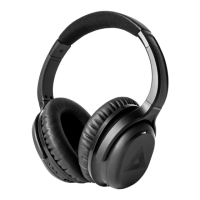
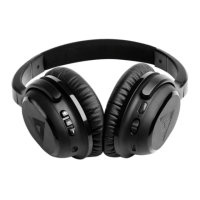
A-01 Headphone + BT-01 TV Transmitter
PERFORMING YOUR
HEARING TEST
5
We recommend a quiet space to complete your hearing test.
1. Ensure your A01 headset is turned on and paired to your smartphone.
2. Select 'Start Test'
3
. Select' Continue'
4. Read through the information provided and select 'Continue' to move on.
5. Select your test.
Note: There are three levels of testing. The standard test takes only a few minutes to
complete with 8 frequencies per ear. If you prefer a more detailed test, your can select the
'High Detail' or the 'Ultimate Precision'. If you have a known hearing loss or wear a
hearing aid, we recommend the 'Standard' or 'High detail test'. You can wear the
headphones over the top of your hearing aids while you perform your test.
6. Select 'Continue' to navigate through the tutorial.
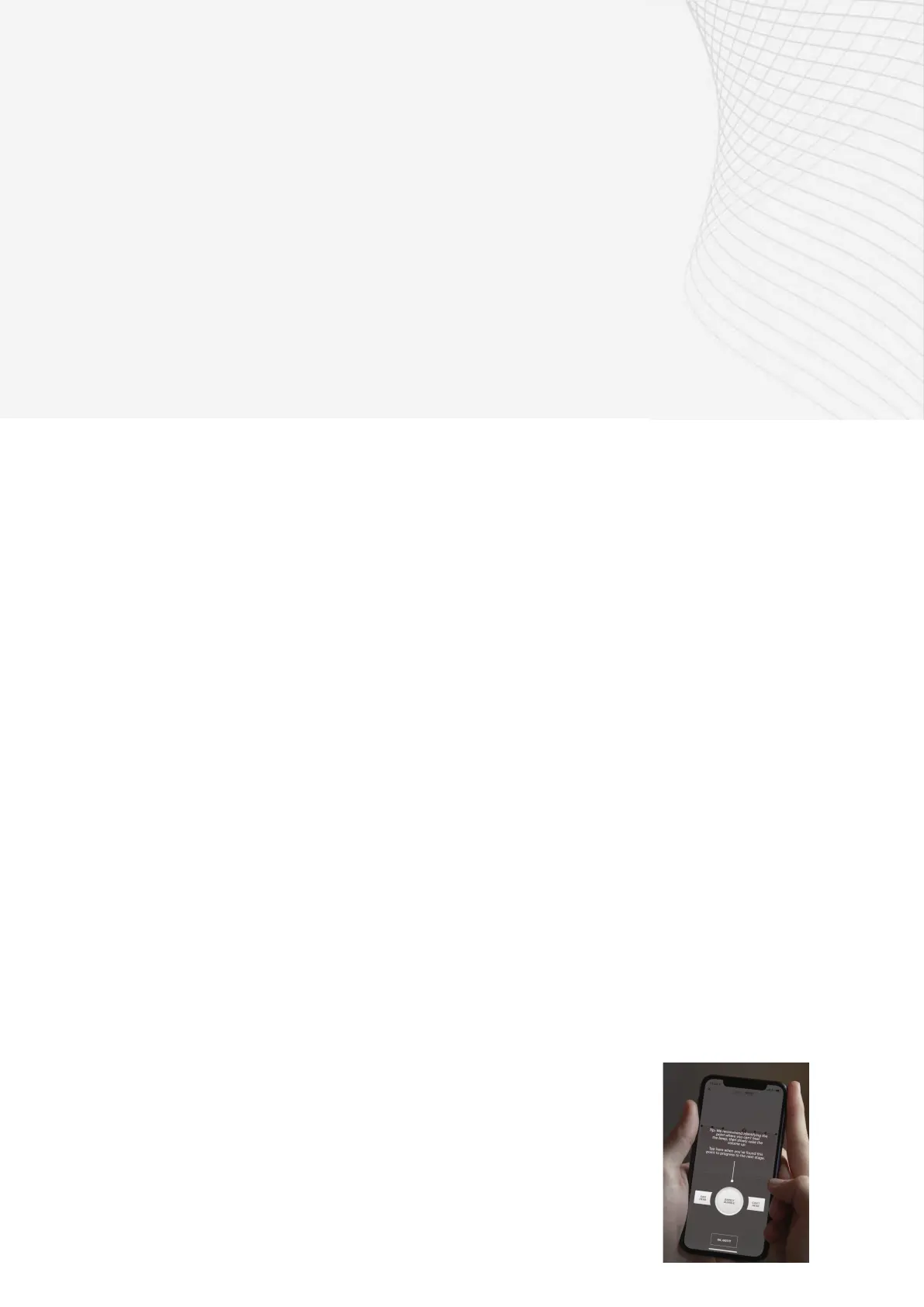
7. Use the 'Can Hear' and 'Can't Hear' buttons to increase or reduce the volume of the
beeps until the beep becomes barely audible, that is the absolute softest sound you
can hear.
Note: If you are unable to hear the beep after pressing 'Can't Hear' until it reaches the top
of the limitation within the app, press 'Barely Audible' and move to the next frequency.
Audeara's technology will recognise this and adjust accordingly.
8. When you can only just hear the beep, select 'Barely
Audible' to move onto the next frequency.
9. Select 'Finish Now' to complete your test.
10. Review your results by selecting 'View Hearing Health
Profile'.


 To Next Page
 Loading...