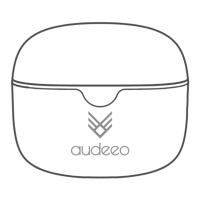
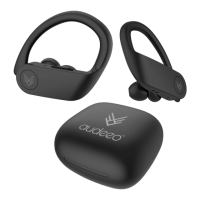
ESCAPE WIRELESS SPORT EARPHONES
A
B
C
D
E
F
C
D
F
A
B
E
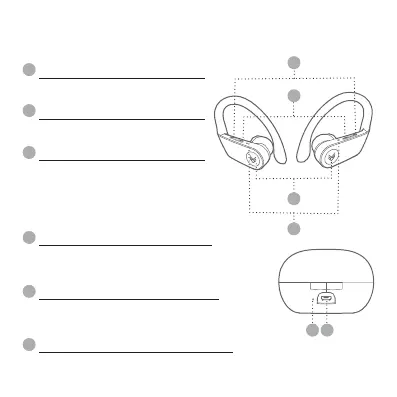
MULTI-FUNCTION BUTTON
VOLUME (+) / NEXT TRACK
VOLUME (–) / PREVIOUS TRACK
MICRO USB CHARGING PORT
EARPHONES STATUS LIGHT
CHARGING CASE STATUS LIGHT
- Power on & o
- Pause & play music
- Answer & hand up calls
- Reject calls
- Use of smartphone assistant:
• Google Assistant™ • Siri
®
This button skips to the next track,
and increases volume.
This button goes to the previous
track, and decrease volume.
This is the area to plug-in and charge your
Charging Case Station. If the earphones are in the
Charging Case Station they will charge first.
Indicates if the earphones are on/o, pairing, or
charging. The light will be blink RED and BLUE
when charging in the Charging Case Station.
The lights will illuminate RED when being charged. the LED light will a
steady RED when your Charging Case is fully charged.
2 Your Escape Sport Wireless Earphones
2.2 Item Features


 To Next Page