Need help?
Do you have a question about the audeeo TREK and is the answer not in the manual?
Lists the physical items included in the product packaging.
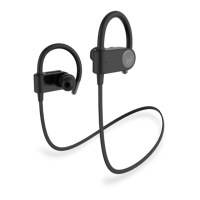
Identifies and describes the physical components of the earphones.
Provides instructions for charging the earphones and turning them on.
Step-by-step guide to connect the earphones to a Bluetooth device.
Explains how to use the multi-function button for calls and music.
Details how to skip tracks and adjust volume using specific buttons.
Instructions for activating voice assistants like Siri or Google Assistant.
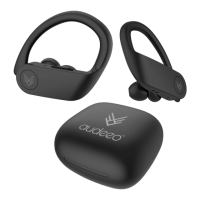
Highlights battery life, microphone, voice assistant compatibility, audio quality, and flexible design.
Lists all items included in the product's packaging, such as earphones, cable, ear tips, and manual.
Provides solutions for common problems like no power, music playback issues, and Bluetooth reconnection failures.

 To Next Page
 General