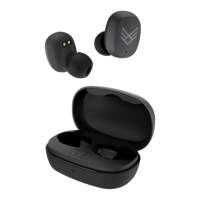
ITEM: AOTREK
3 Quick Start Guide
3.1 Charging & Powering ON
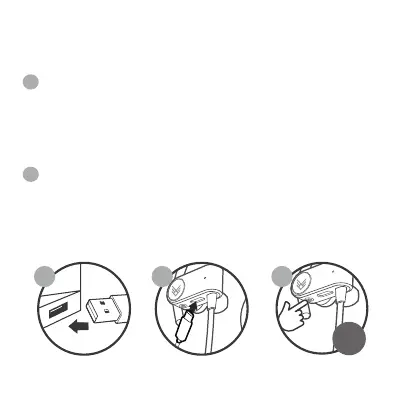
Connect the USB Type-C cable (only use the provided
cable) to a computer USB port or a USB wall charger. Plug
the other end of the USB Type-C cable into the USB Type-C
charging port (F) located on the bottom of right earphone.
While charging the LED indicator light (D) will turn RED and
then turn OFF when the battery is fully charged.
Ensure the earphones are turned o, then press and hold
the POWER ON/OFF Button (E) for 2 seconds to turn the
earphones ON. The earphones will enter Bluetooth pairing
mode automatically and emit a tone as the LED indicator
light (D) will flash BLUE and RED.
NOTE: please refer to the diagram on 2.2
1 21
1
2
2s


 To Next Page