7
Mobius User Manual Rev. 1, Date: 2018-0525 Ampacs Corporation Confidential
CHARGING
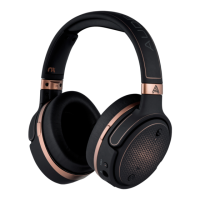
To charge using USB, Mobius supports up to 1 Amp chargers and takes approximately 3 hours to fully
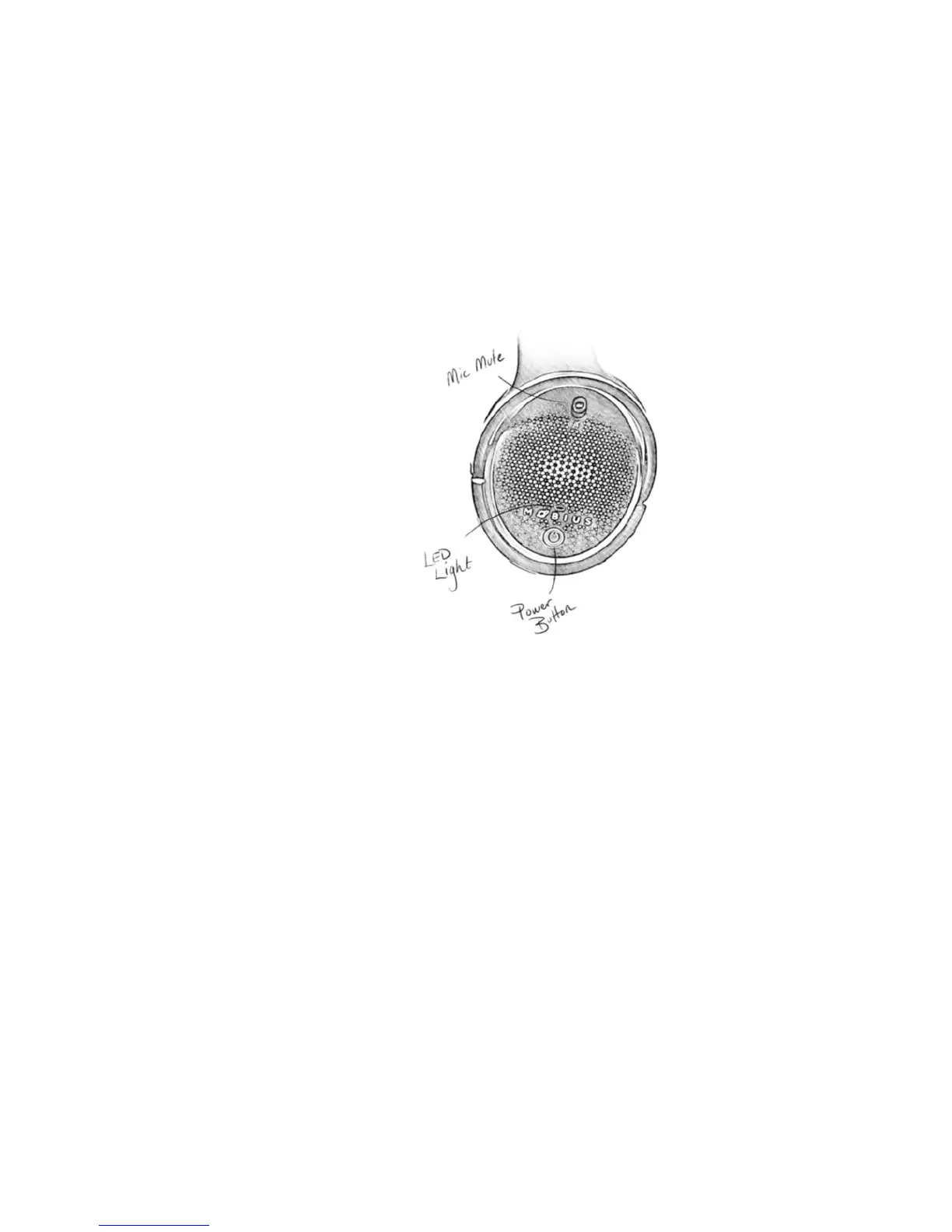
charge when Mobius is powered off. When plugging Mobius into a wall-wart, make sure the red LED is on
to indicate that charging is in effect. Some older wall-warts and USB Hubs might not provide enough power
to charge Mobius. Instead, please use a 1 Amp charger. When Mobius’ battery is low, Mobius will attempt
to charge using the USB cable simultaneously to keep you in the action. If you have a USB Hub or extender,
Mobius will work equally well with these, but once again, some USB hubs might not charge Mobius. Please
check your hub specs.
WIRED CONNECTIO N – ANALOG (3.5 mm)
If needed, complete a wired connection with your Analog AUX cable in the same way you connected
via USB previously. The Analog input exists on the bottom side of the left ear-cup.
Make sure you don’t plug your cable into the microphone input. You wouldn’t be the first one to make that
mistake. Mobius has a balanced amplifier built-in, so you do not need any external amps to power this star
of a headphone. Additionally, some PC's might have a separate connection input for headphone and
microphone. In this case, obtain a splitter for your inventory to split the TRRS connection.


 To Next Page