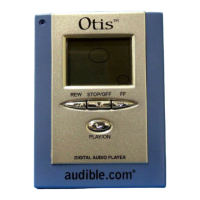
5. LCD Display Overview
1) Indicates MODE function has been enabled
2) Indicates an AUDIBLE® program is being played
3) EQUALIZER option music settings
4) Indicates HOLD switch is enabled
5) Indicates MulitMediaCard™ is inserted into digital audio player (not ncluded)
6) Information display; title of file, play-through time
7) Current Program Number Display, Current Section number if Audible® file
containing multiple sections
8) Repeat indicator
9) Battery status
10) Total Program Number, Total Section Number


 To Next Page