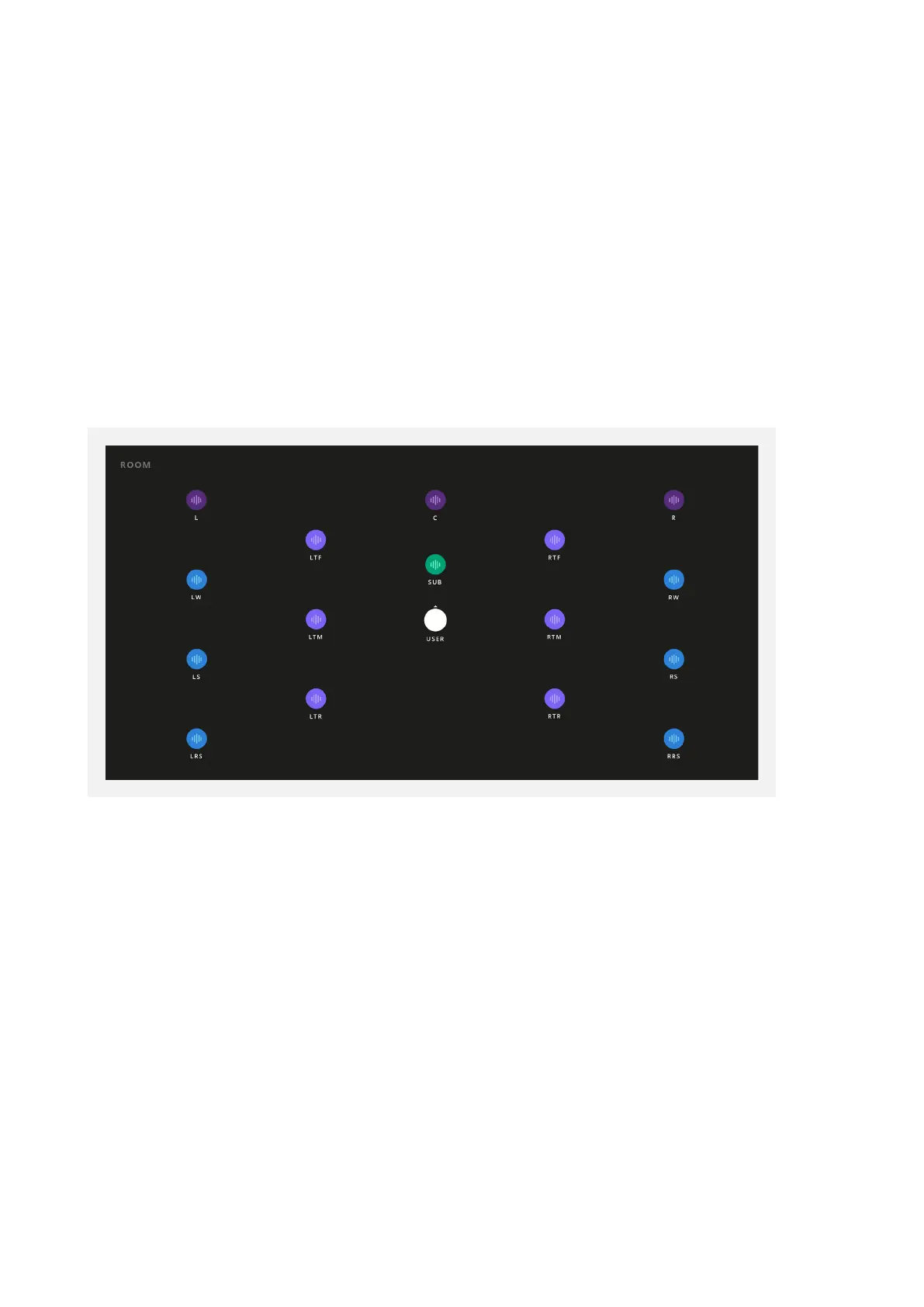
Room
This section provides a visual display of your speaker configuration. The white USER
icon indicates the direction that the listener would face. The colours of the units
indicate which of the speaker Groups they belong to:
• HEIGHTS = Light Purple
• SIDES = Blue
• FRONTS = Dark Purple
• SUBS = Green
When a speaker is receiving audio, you will see a small waveform icon appear on it.
This is helpful when trying to identify which speaker output is playing audio during
setup and installation.



 To Next Page